
 Daily Bazar
  Electronics
  Mother, Baby & Toys
  Beauty
  Sports
  Automotive
  Stationery, Books & Music
  Special Weekly Offer
  Global Finds
  Quick Commerce
 _20.png) Fashion Luxe
Fashion Luxe  Sports Shoes
  Fashion
 _20.jpeg) Home
Home  Garden & Pet Care
  Grocery
  Daily Bazar
  Electronics
  Mother, Baby & Toys
  Beauty
  Sports
  Automotive
  Stationery, Books & Music
  Special Weekly Offer
  Global Finds
  Quick Commerce
 _20.png) Fashion Luxe
Fashion Luxe  Sports Shoes
  Fashion
 _20.jpeg) Home
Home  Garden & Pet Care
  Grocery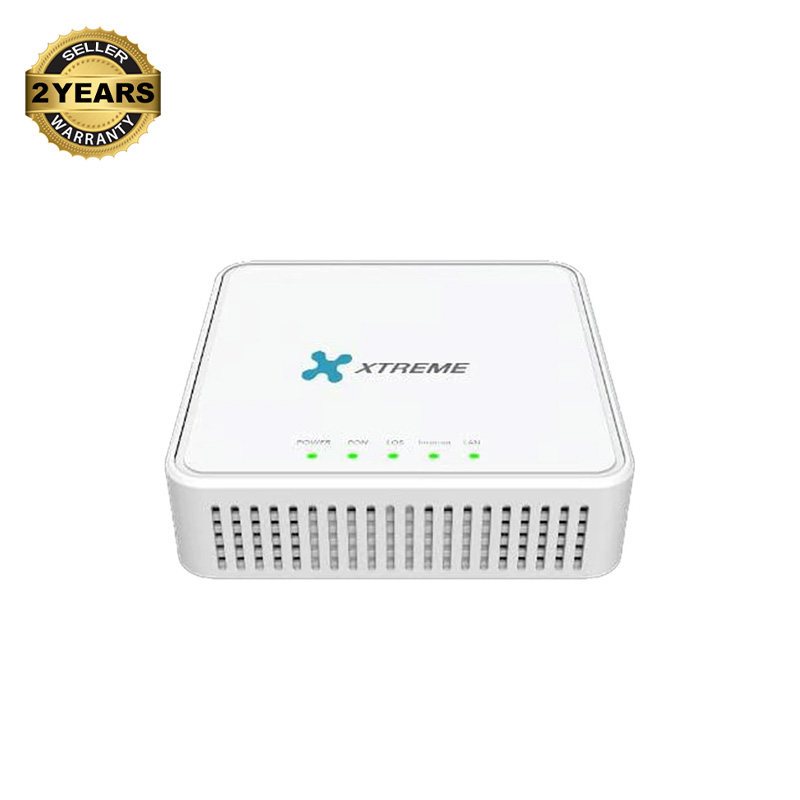
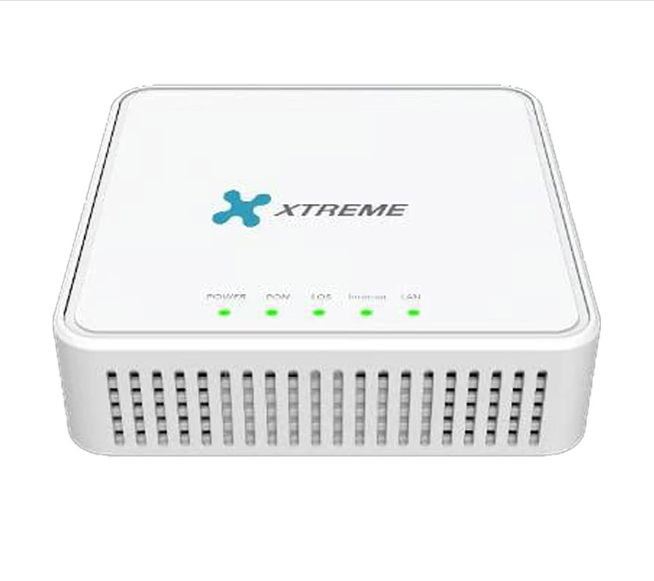
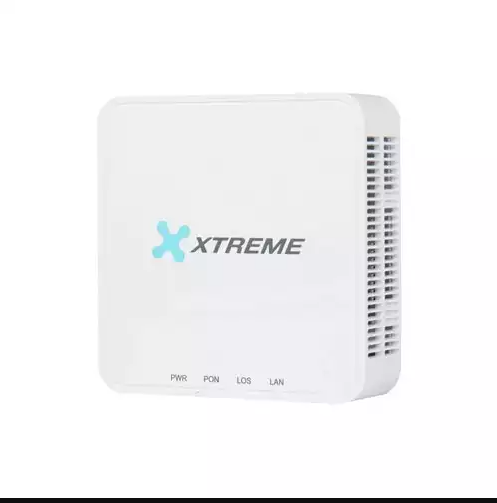
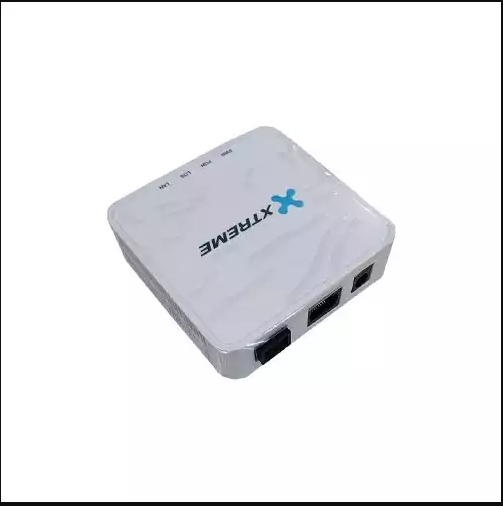
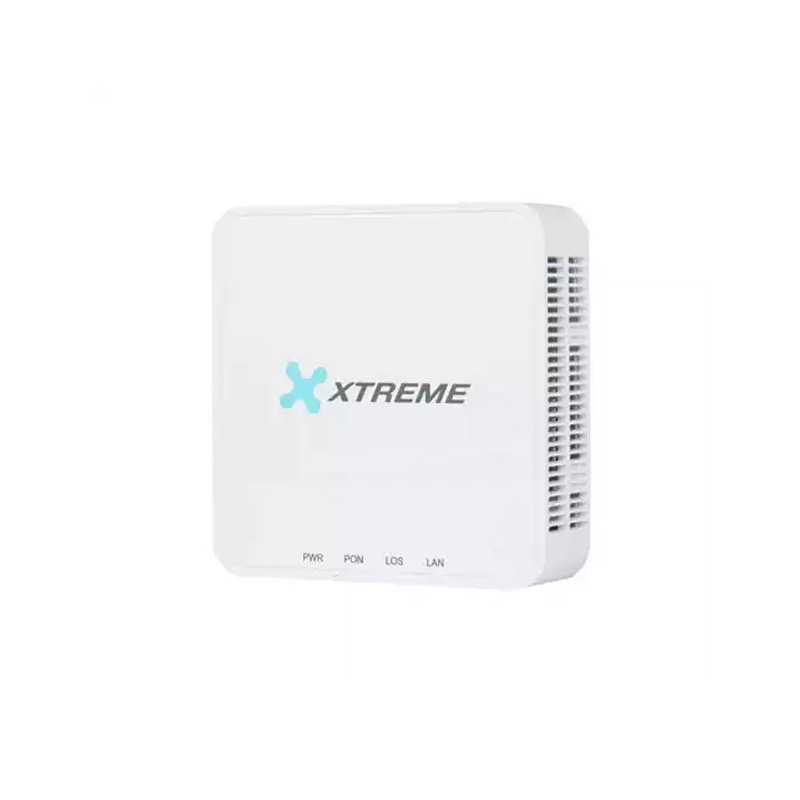
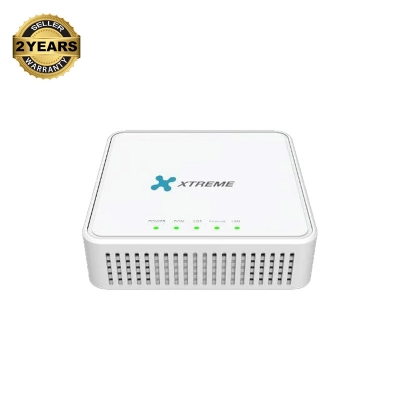
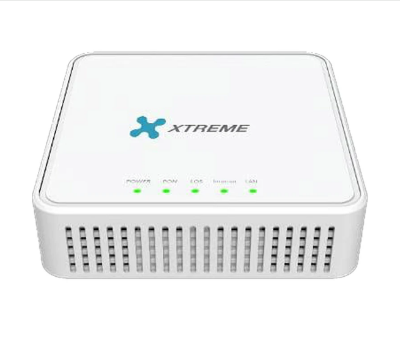
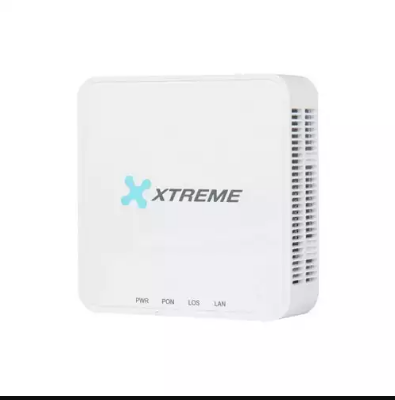
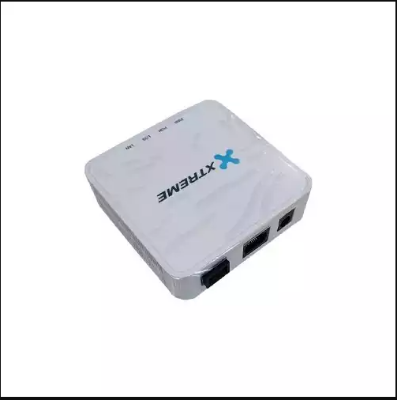
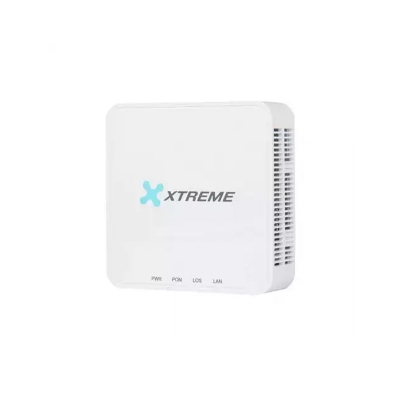
Xtreme XT1GE-XP-A Optical Network Unit (ONU) In Bangladesh
An X-PON ONU (Optical Network Unit) is a crucial piece of equipment in a fiber-optic network, specifically designed to connect the end-user (like a home or business) to the internet service provider's network. "PON" stands for "Passive Optical Network," which is a type of fiber-optic network that uses a single fiber to serve multiple users. The "X" in X-PON refers to the newer, faster generation of this technology, which offers higher speeds and improved efficiency compared to older PON standards. The ONU's main job is to convert the optical signals coming through the fiber cable into electrical signals that your devices (like computers, routers, and smart TVs) can use. It's essentially the last step in delivering high-speed fiber internet directly to your location.
General Benefits of an X-PON ONU
Using an X-PON ONU offers several significant advantages for internet connectivity. Firstly, it enables incredibly high-speed internet access, far exceeding what traditional copper cables can provide.1 This is essential for activities like streaming 4K video, online gaming, and large file transfers. Secondly, fiber-optic technology is known for its reliability and stability. Fiber is not susceptible to electromagnetic interference, which means your connection is less likely to be disrupted. Additionally, X-PON ONUs are designed to be energy-efficient and compact, making them an ideal and space-saving solution for modern homes and offices. They are the gateway to a powerful and future-proof internet connection.
General Maintenance for an X-PON ONU
Maintaining an X-PON ONU is relatively simple as it has no moving parts. The most important aspect is to ensure the device is kept in a clean, dry, and well-ventilated location. Avoid placing it in direct sunlight or in a cramped space where heat can build up. It is also crucial to handle the fiber-optic cable with extreme care. The cable is delicate and can be easily damaged by sharp bends or twists, which could disrupt your internet connection. Regularly check that all cables are securely plugged in. If you experience any issues, the first step is often to simply restart the device by unplugging it, waiting for a minute, and plugging it back in. For software or firmware updates, your internet service provider will typically handle this remotely.
Warranty: 2 Years
Note: Product delivery duration may vary due to product availability in stock.
Disclaimer: The actual color of the physical product may slightly vary due to the deviation of lighting sources, photography or your device display settings.

Login to ask a question
