
 Daily Bazar
  Electronics
  Mother, Baby & Toys
  Beauty
  Sports
  Automotive
  Stationery, Books & Music
  Special Weekly Offer
  Global Finds
  Quick Commerce
 _20.png) Fashion Luxe
Fashion Luxe  Sports Shoes
  Fashion
 _20.jpeg) Home
Home  Garden & Pet Care
  Grocery
  Daily Bazar
  Electronics
  Mother, Baby & Toys
  Beauty
  Sports
  Automotive
  Stationery, Books & Music
  Special Weekly Offer
  Global Finds
  Quick Commerce
 _20.png) Fashion Luxe
Fashion Luxe  Sports Shoes
  Fashion
 _20.jpeg) Home
Home  Garden & Pet Care
  Grocery
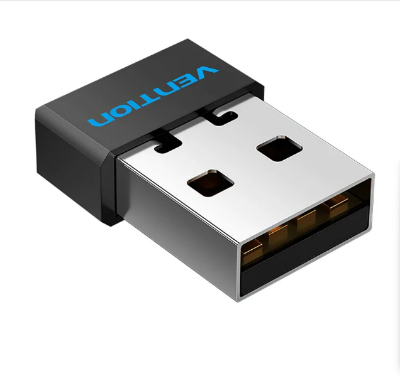
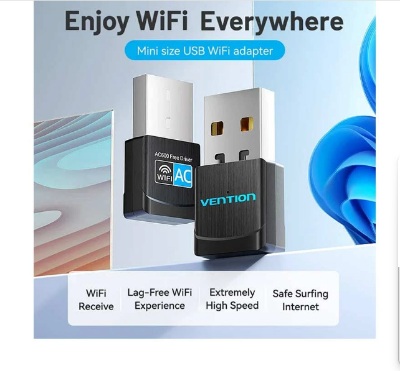
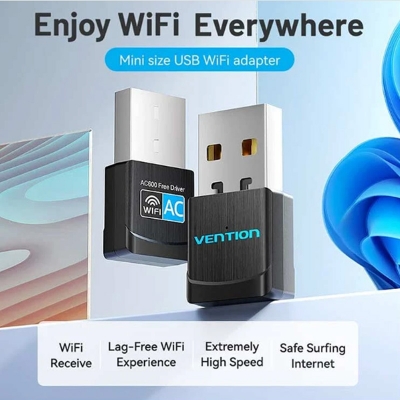
Vention KDSB0 Lan Card In Bangladesh
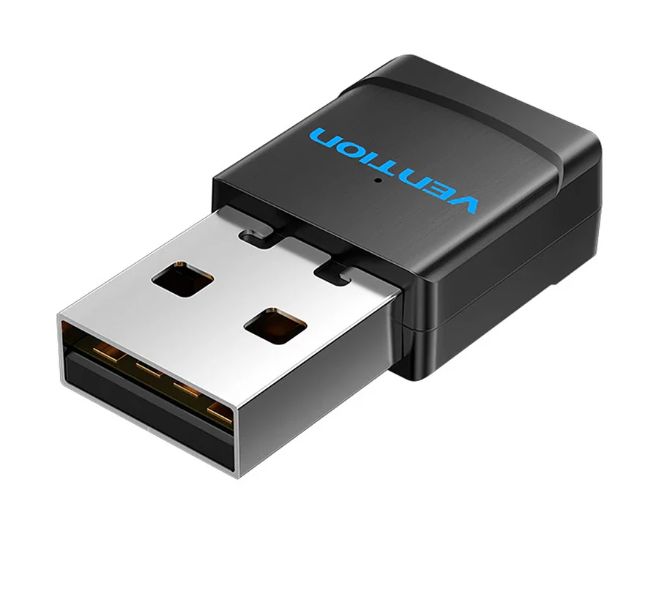
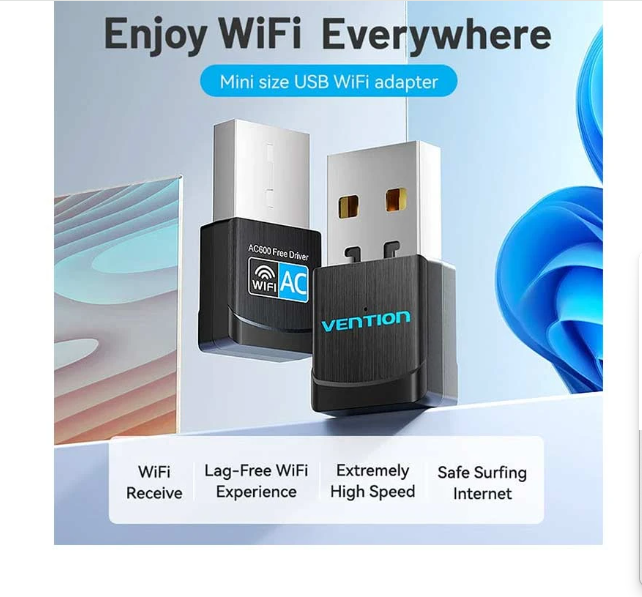
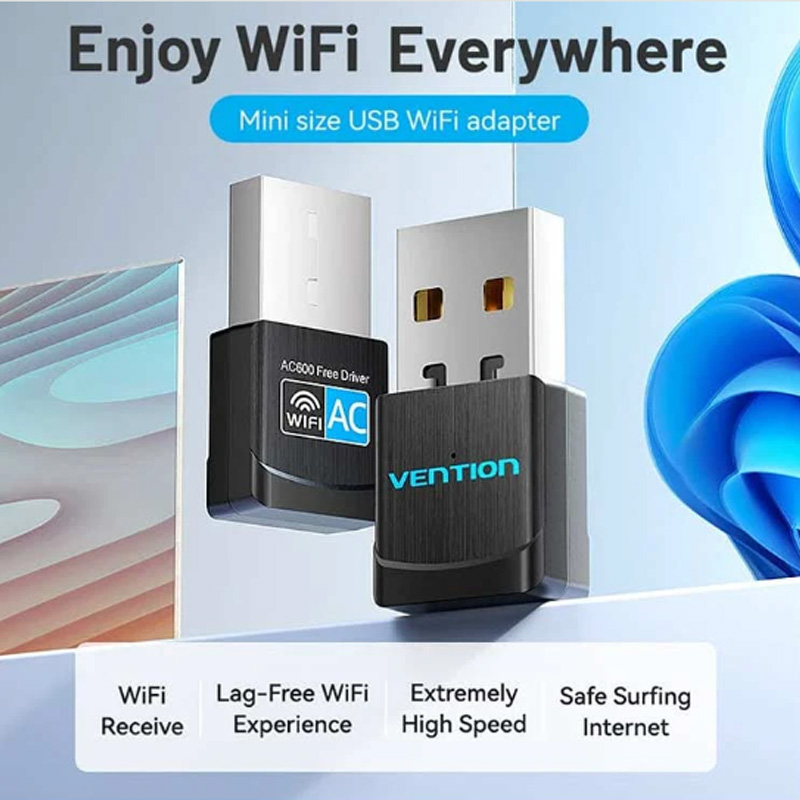
Staying connected matters more than ever. In an online class, working from home, or streaming your favorite shows, the quality of your internet connection directly affects your experience. The Vention KDSB0 600Mbps Dual Band Wi-Fi USB Adapter steps in as the smart, easy, and portable way to ensure high-speed wireless connectivity on any desktop or laptop.
Features of Vention KDSB0 600Mbps Dual Band Wi-Fi USB Adapter
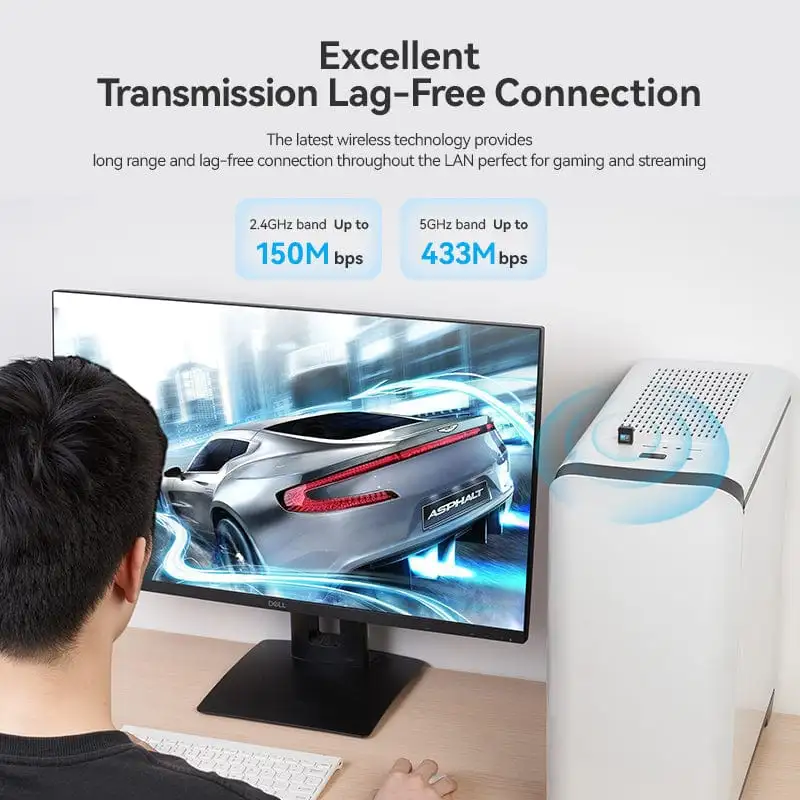
The Vention KDSB0 supports both 2.4GHz and 5GHz frequency bands which gives you flexibility based on your network environment. You’ll receive up to 600Mbps in total speed. It takes the lag out of streaming, video calls, downloading and online gaming.
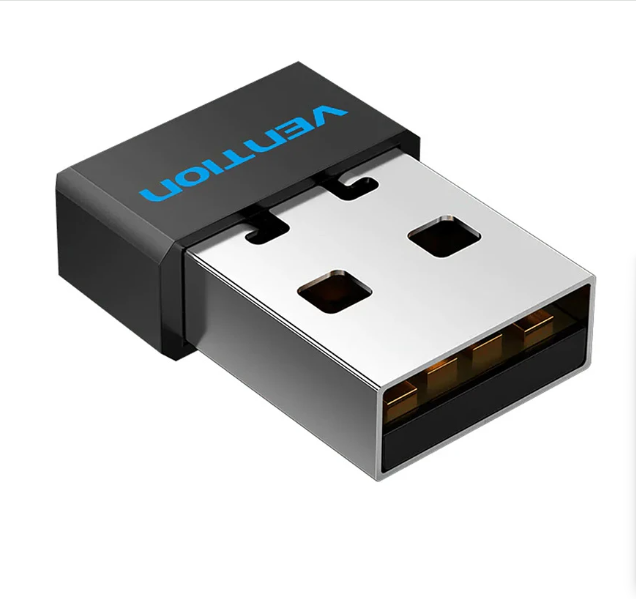
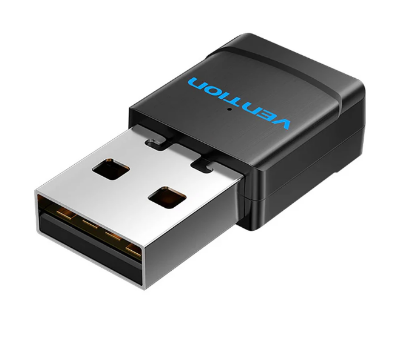
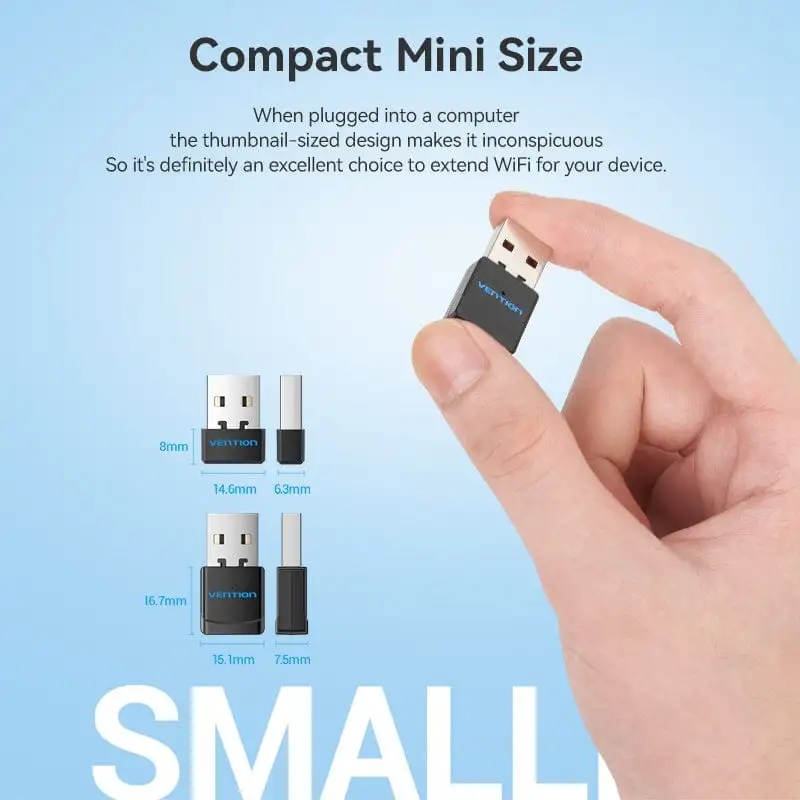
It connects via USB 2.0, and has a built-in antenna for better reception. The cable is constructed of durable ABS wrapping, and the USB-A connector is nickel-plated to help resist corrosion. It’s small, portable and works with just about any device.
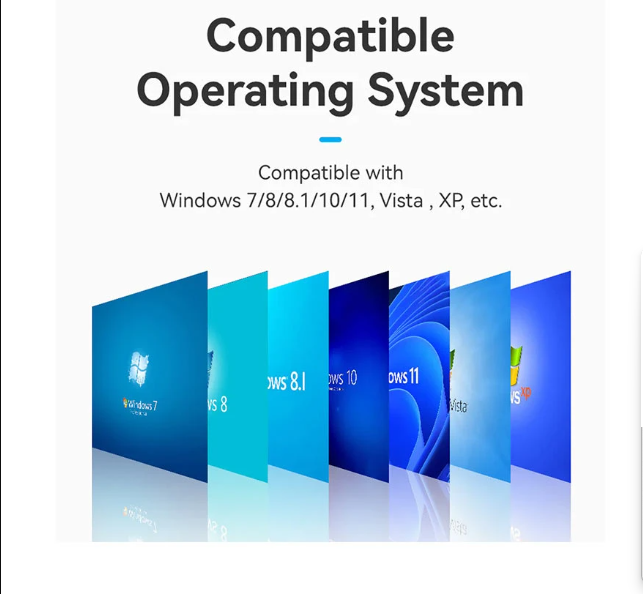
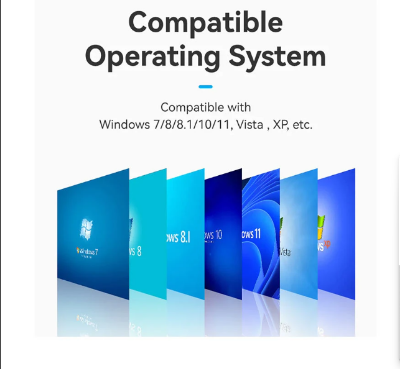
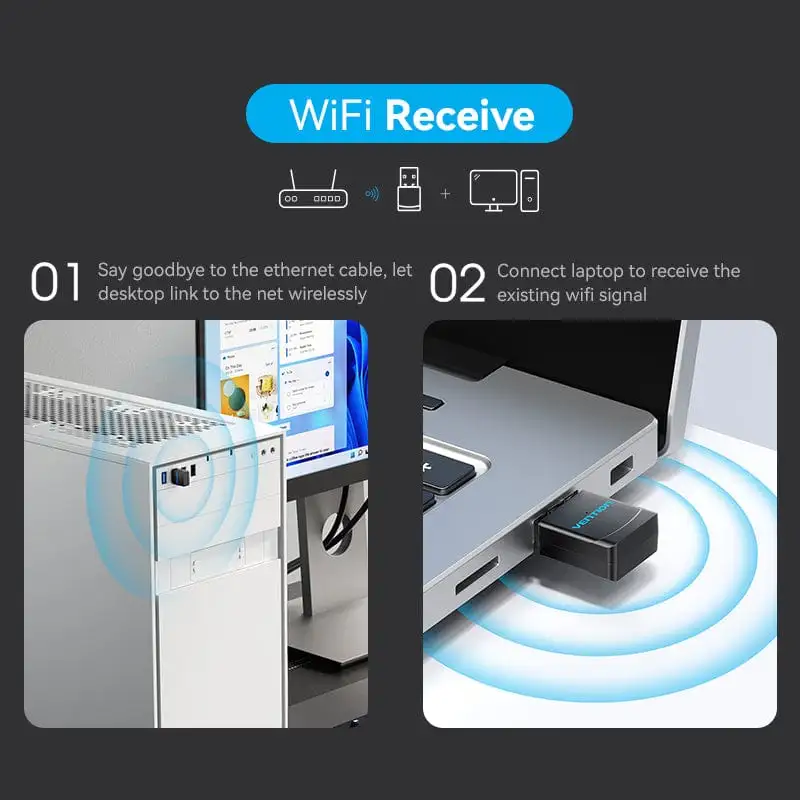
The adapter supports Dual Mode (Receive & Transmit) and comes with Plug & Play functionality. It supports a wide range of operating systems including Windows XP, Vista, 7, 8, 8.1, 10, and 11.
Buying Guide for Vention KDSB0 Wi-Fi Adapter
If you're upgrading a PC or laptop for faster wireless access, the Vention KDSB0 is a solid pick. Just check that your device has a USB port (USB 2.0 or 3.0). Also, verify that you're using a compatible Windows version, as listed above.
Choose this model if you need a compact, dual-band adapter that can switch between coverage (2.4GHz) and speed (5GHz). You’ll also want to use it in a dry, open port to ensure maximum signal strength from the built-in ante
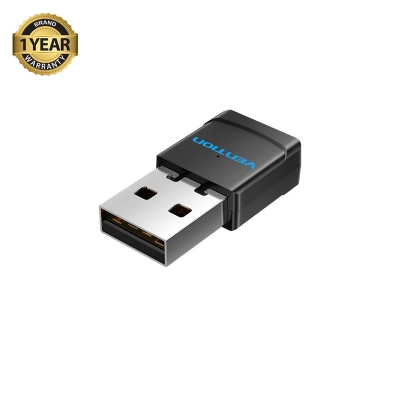
Warranty: 1 Years
Note: Product delivery duration may vary due to product availability in stock.
Disclaimer: The actual color of the physical product may slightly vary due to the deviation of lighting sources, photography or your device display settings.

Login to ask a question
