



 Daily Bazar
  Electronics
  Mother, Baby & Toys
  Beauty
  Sports
  Automotive
  Stationery, Books & Music
  Special Weekly Offer
  Global Finds
  Quick Commerce
 _20.png) Fashion Luxe
Fashion Luxe  Sports Shoes
  Fashion
 _20.jpeg) Home
Home  Garden & Pet Care
  Grocery
  Daily Bazar
  Electronics
  Mother, Baby & Toys
  Beauty
  Sports
  Automotive
  Stationery, Books & Music
  Special Weekly Offer
  Global Finds
  Quick Commerce
 _20.png) Fashion Luxe
Fashion Luxe  Sports Shoes
  Fashion
 _20.jpeg) Home
Home  Garden & Pet Care
  Grocery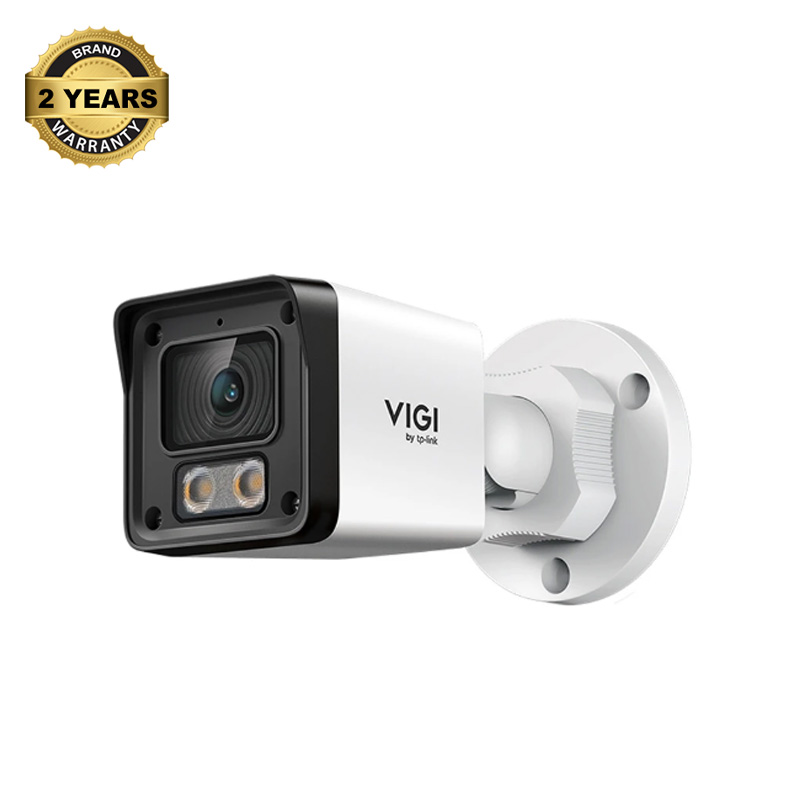
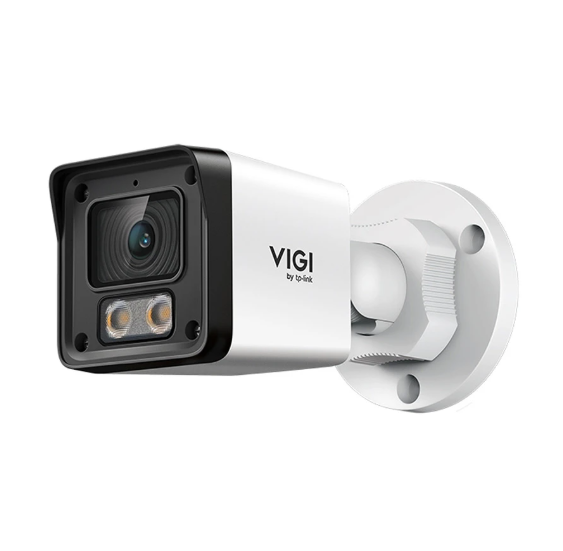
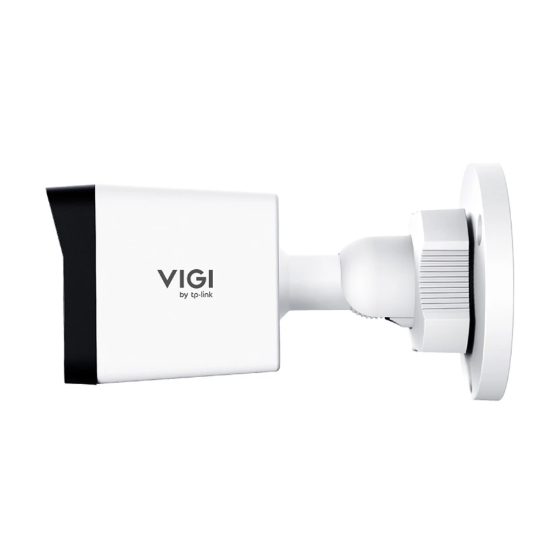
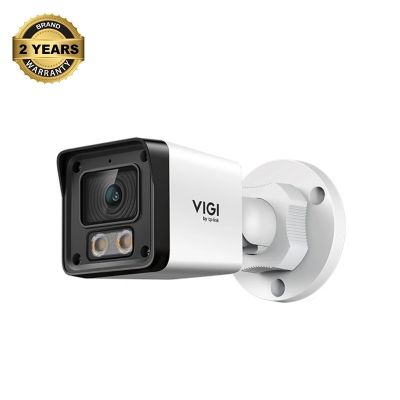
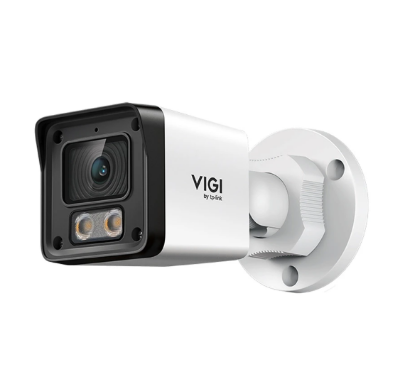
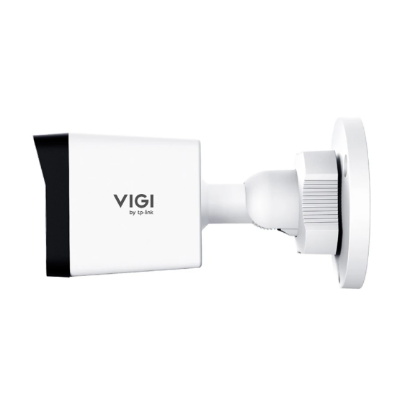
TP-Link VIGI EasyCam C320 IP Camera In Bangladesh
The TP-Link VIGI EasyCam C320 is a strong security camera for home or business use. It records good quality video at 2.0MP high definition. It is for outdoor use and it does a good job (it reaches MOT). It shows full-color video, even at night. You can view your camera’s feed from wherever you are via your smartphone. Professional looking white bullet design that can deter intruders at your business. It’s a reliable choice when you need 24-hour protection in all weather.

Why Choose the TP-Link VIGI EasyCam C320
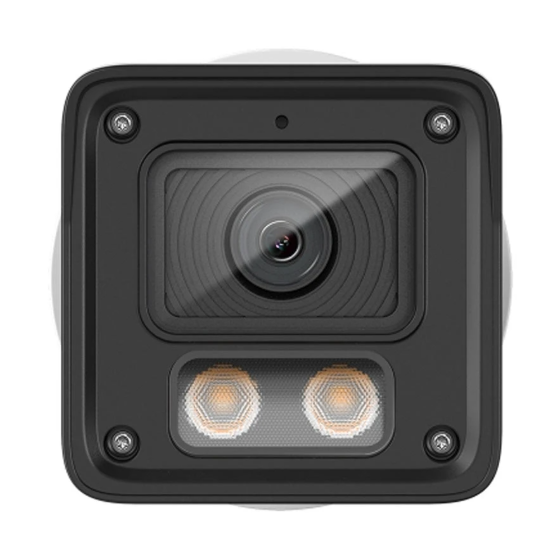
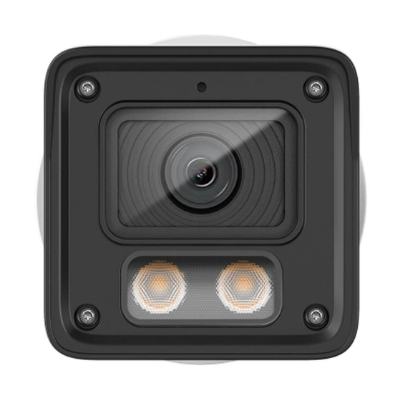
This camera may be your best choice if you want clear video at night for evidentiary purposes. It has LightPro Night Vision technology for improved night vision. Most other cameras switch to black and white in low light, but not this one. It’s got a high-sensitivity sensor and built-in spotlights for illuminating those dark spots in your yard. It even features smart detection for enhanced safety. It has human and vehicle detection too, so false alarms are minimized. Line-Crossing and Intrusion alarms can be set for immediate alerts. This allows you to concentrate on real potential threats (not a passing leaf or moving animal). It also comes with a built-in microphone to capture sound close to the camera. Which makes your security recordings more complete and helpful.

Key features of the TP-Link VIGI EasyCam C320
This IP camera is equipped with powerful outdoor protection features. It is weatherproof rated at IP67, so it can withstand rain and dust. The 4mm fixed lens provides a 99 degree field of view. It’s PoE-capable, so one cable can supply both power and internet data. This makes wiring runs cleaner and installs easier. It also features H.265+ compression to save space while maintaining high-quality video. The camera can see objects up to around 59 meters. It features 3D DNR and Digital WDR for greater image clarity. Such features help minimize video noise and equalize bright and dark zones. And it even has a guarantee so you can have peace of mind. You can control the camera through VIGI app or PC client.


Login to ask a question
