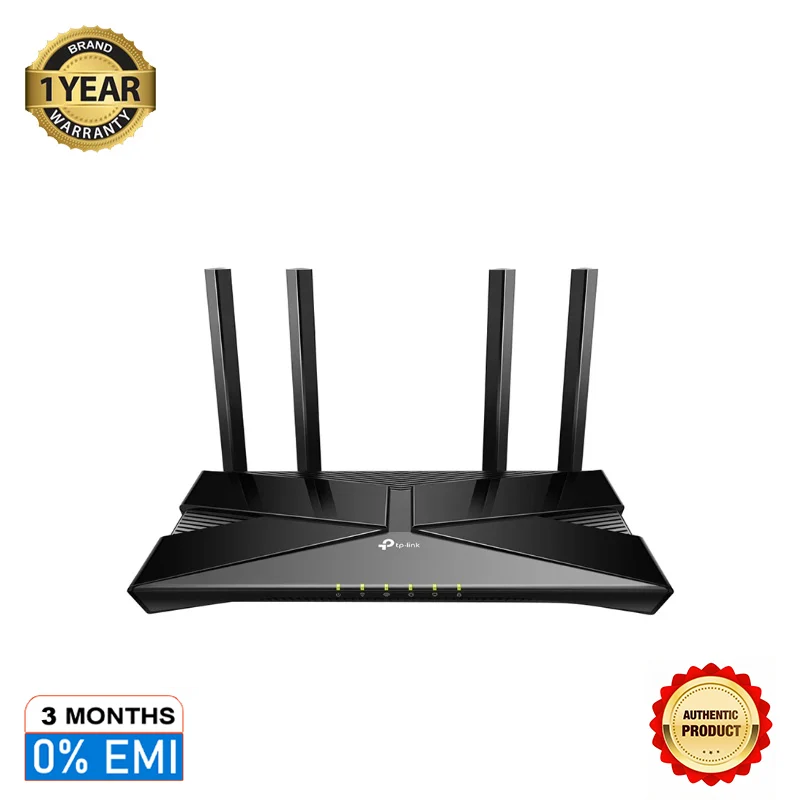
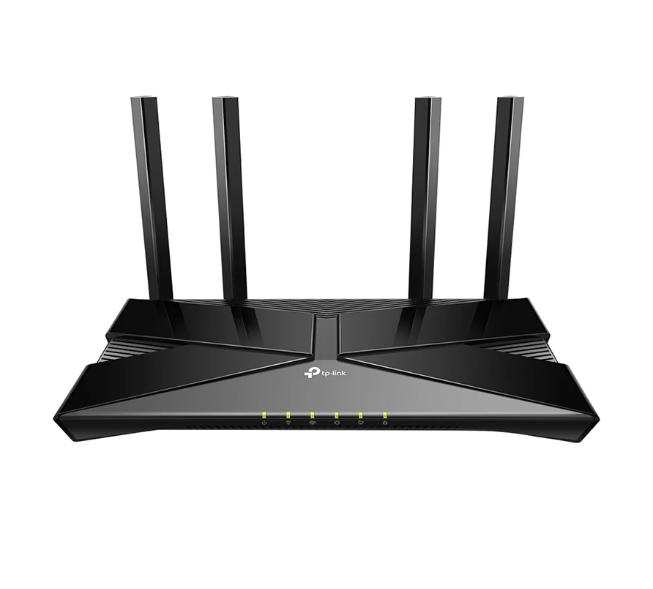
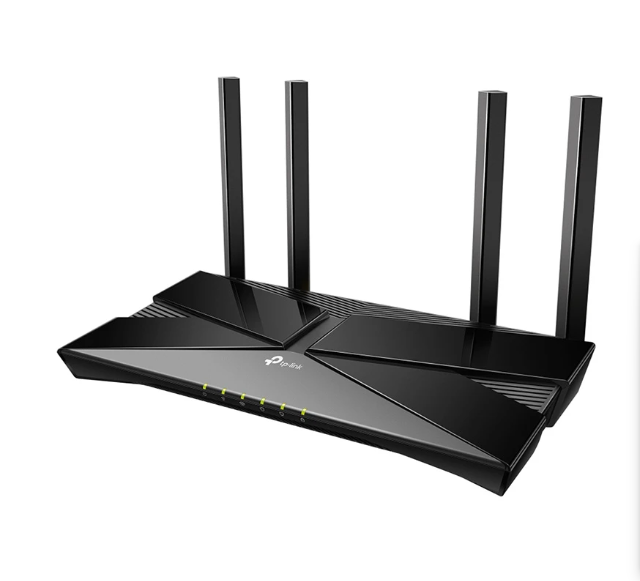
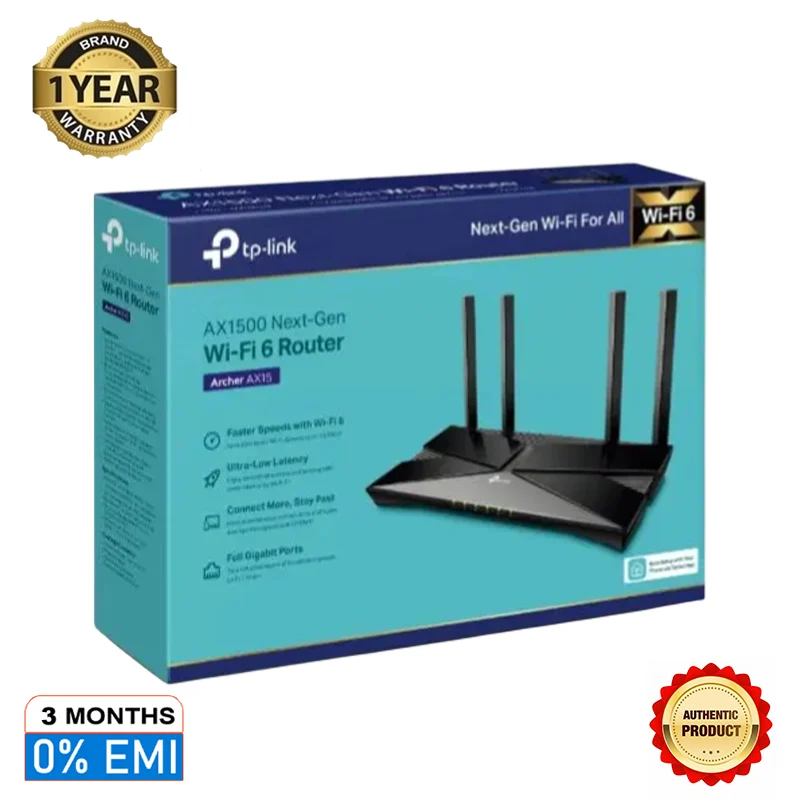
NO COST EMI
Frequently Asked Questions
What is the offer?
* Under this offer, customer will get a discount upfront equal to the EMI interest cost charged by the bank
What is the offer duration?
* The offer is valid from 20th July 2018 (00:00 hours) to 31st July 2018 (23:59 hours)
What other conditions should apply to avail the offer?
* The offer will be applied to the Net Cart Value ( NCV ). The minimum NCV to avail this Offer is TK. 3,000. NCV shall mean the total value of only the eligible product/s in the cart after all applicable discounts and exchange offer redemptions
* The Offer is valid for EMI transactions with tenure 3, 6 and 9 months only
How do I check if a product is an Eligible Product?
* The offer is applicable only on select products.
* You can check the list of all offers applicable on a product, on the product page. This offer will also be listed there, if the product is eligible for the offer.
Is the offer applicable on all Bank Credit Cards
* No, offer is NOT applicable on Corporate and Commercial cards.
Will I get the offer if I pay through Othoba Gift Card partially?
* Yes, you can avail the offer. In this case, offer will only apply on the amount paid through Bank Credit Card against the eligible product(s). Also, the Net cart value should be more than INR 3000.
How many times can this offer be applied ?
* There is no limit on number of transactions
TERMS AND CONDITIONS
PRELIMINARY
1. This offer is being run by [SupercomNet, Indiflashmart, Omnitech, Retailnet, TruecomRetail, Fairvalue Retail, Retailnet, VisionStar, Flashtech, TrueNet, FlashStar Commerce, Fair Value retail] (Seller) on www.othoba.com, Othoba Mobile App (all three collectively Platform), which Platform is owned and operated by Othoba Internet Private Limited (Othoba).
2. By participating in this Offer (defined below), Customer agrees to be bound by:
a. these terms and conditions;
b. the Terms of Use, Privacy Policy, Terms and other relevant documentation including any modifications, alterations or updates thereof, that are published on the Platform; and
c. the terms and conditions of the issuing bank of the Card and applicable card association rules.
Offer details
* The offer is valid from , 20th July 2018 (00:00 hours) to 31st July 2018 (23:59 hours) on the Platform
* The Offer is applicable only on select products.
* The discount will be applied to the Net Cart Value ( NCV ). The minimum NCV to avail this Offer is TK. 3,000. NCV shall mean the total value of only the eligible product/s in the cart after all applicable discounts and exchange offer redemptions..
* The Offer is valid for EMI transactions with tenure 3, 6 and 9 months only
* Under this offer, customer will get a discount upfront equal to the EMI interest cost due to the bank
* Under this offer, payment through Bank Credit cards can be made for multiple products (eligible for the Offer) selected in a single cart provided, (i) the selected tenure for all such selected eligible products are same; and (ii) the total sale price of the such selected eligible products (net of applicable discounts) in the cart is more than or equivalent to TK. 3,000 (Four thousand only)
* In case partial payment is made through Othboa gift card, Offer will apply only on the amount paid through the Card against purchase of Eligible Products, provided such amount equals or exceeds TK. 3000.
EMI conversion will be completed subject to the detailed terms and conditions regarding EMI on Bank credit cards (Please refer to https://www.online.Bank.co.in/card-offers/pdfs/EMI-TC.pdf for more details)
Other Terms and Conditions
* Customers will have to make the payment with their Bank Credit Cards issued in India only to avail this Offer
* The discount under this offer will be applicable on opting for No Cost EMI on Bank Credit Card on the payment page at Othoba
* The discount under No Cost EMI on credit card payment option is being offered exclusively by sellers and does not amount to EMI/interest waiver extended by the bank
* This Offer is available on all valid Bank Credit Cards except Bank Corporate Credit Cards.
* Add-on cards will be treated as separate cards.
* The Offer is not applicable for Card on delivery transactions.
* The Offer is applicable only on eligible purchases on Othoba.com, https://www.othoba.com & mAPP (Mobile Application)
* This offer is available on select products sold by select sellers only
* Customer should follow the standard Othoba guidelines and terms and condition for using the Platform under this Offer.
* This Offer is not applicable on purchase of gift cards and gold & silver coins/bars from Othoba Platform.
* The Offer is only applicable on EMI transactions.
* This offer is valid until stocks last or till the offer ends
* Final Price is inclusive of the offer
* Any returns/cancellation will be as per Othoba’s return/cancellation policy. In case of any kind of return/refund in an EMI transaction, interest already billed in a particular transaction will not be refundable under any circumstances
* In the event orders are partially cancelled (during & outside the Offer Period) and, if the total transaction amount falls below the minimum transaction amount, the EMI booking will be closed.
* Bank is not making any commitment to make any offer beyond the Offer Period
* Othoba retains the right to modify or cancel this scheme at its sole discretion
* All other terms and conditions of the Card member Terms and Conditions shall continue to apply.
* The Offer is valid only if the Customer’s account continues to be in good standing and payment continues to reach Bank before the payment due date.
* Bank does not make any warranties or representation on the delivery, service, quality, quantity, merchantability, suitability or availability of the products or services included in this Offer. The sellers on Othoba.com shall be responsible for the products purchased by a Customer.
* Bank is NOT liable or responsible for any claim(s), dispute(s) regarding delivery, service, suitability, merchantability, availability, quantity or quality made available to the Customers under the Offer on the products/services (shortly referred as Claims). In reference to any Claims, it must be addressed in writing by the Customer directly to Othoba Bank shall not entertain any communication in this regard. Any query/ contention/dispute raised by any Customer to Bank with respect to the above shall be forwarded to Othoba and they shall be solely responsible for resolving such queries/ contentions/disputes within reasonable time.
* Acceptance of these terms is a prerequisite for participation in this Offer. Such participation is voluntary and is deemed as acceptance of the terms and conditions mentioned herein.
* Bank holds the exclusive right at its sole discretion to refuse or deny the Offer to any Customer. The Customer shall become ineligible to participate in this Offer if his/her card is cancelled before the expiry of /during the Offer Period.
* Any taxes or liabilities or charges payable to the Government or any other authority or body, if any, shall be borne directly by Customer and/or billed to the account of the Customer.
* Products offered under this Offer are subject to availability from the respective sellers of Othoba and, under no circumstances, Othoba shall be liable for non-availability of any of the products.
* If the offer and/or anything to be done by Bank or any other entity in respect of the Offer is prevented or delayed by causes, circumstances or events beyond the control of Bank or any other entity, including but not limited to, tampering, unauthorized intervention, interception, fraud, technical failures, floods, fires, accidents, earthquakes, riots, explosions, wars, hostilities, acts of government, or other causes of like or similar or other character beyond the control of Bank or the merchant, then Bank and/or the merchant shall not be liable for the same to the extent so prevented or delayed, and will not be liable for any consequences and on occurrence of such event, the Offer may be withdrawn at the discretion of Bank
* The Terms and Conditions shall be governed by the laws of India. Any disputes arising out of and in connection with this program shall be subject to the exclusive jurisdiction of the Courts in Bangalore only
* Nothing expressed or implied in this offer shall in any way waive or amend any of the applicable terms and conditions on Othoba platforms.
* Under no circumstance will the goods purchased/ services obtained during the offer period will be settled in cash.
* All government levies like Sales Tax, TDS, any Local Tax, Octroi etc., shall be payable by the Customer as applicable at the time the respective Programs were offered
* Bank and Othoba reserve the right to modify or change any of the terms and conditions applicable to this offer at any time with/ without prior notice to the Customer
* Bank shall not be held liable for any reason, including but not limited to any delay or loss that may be caused in delivery of the services
* Bank shall not also be liable for any loss or damage whatsoever that may be suffered, or for any personal injury that may be suffered, to a customer, directly or indirectly, by use or non-use of products/services under the Offer
* Any person availing this Offer shall be deemed to have accepted these Terms and Conditions
* Bank reserves the right, at any time, without prior notice and without assigning any reason whatsoever, to add/alter/modify/change/cancel or vary all of these terms and conditions or to replace, wholly or in part, this Offer by another offer, whether similar to this offer or not, or to extend or withdraw/cancel it altogether at its sole discretion and the same shall be binding on the Cardholder at all times
* Customers are not bound in any way to participate in this offer. Any participation is voluntary and the Offer is being made purely on a best effort basis
* Nothing herein amounts to a commitment by Bank to conduct further, similar or other offer.
* The above Offer is by way of a special offer for select Bank Credit cards only and nothing contained herein shall prejudice or affect the terms and conditions of the card member terms and conditions. The terms of this Offer shall be in addition to and not in derogation of the terms contained in the card member terms and conditions. Payment of fees/service charges/all other amounts due from the Customer to Bank from usage of credit cards by the Customer under this Offer and/or otherwise will be governed by Bank Terms & Conditions, the Card member Terms and Conditions and the Most Important Terms & Conditions and the complete account terms and conditions may be viewed from the online portal http://www.Bank.com/india.
* A Card holder without being required to do any further act, shall be deemed to have read, understood and unconditionally accepted the terms and conditions herein. The above terms and conditions need to be read in conjunction with the Bank Card member Terms and Conditions.
* The Offer cannot be combined with any other offer and cannot be transferred or assigned to any other person/customer.
* Any query regarding the offer will be entertained till 30th August 2018. Post such date, Othoba or Bank will not entertain any correspondence or communication regarding this Program from any customers/persons.
* All liability with respect to the products purchased under this Offer lies with the respective seller and Othoba and Bank shall be in no way responsible for the same.



 Daily Bazar
  Electronics
  Mother, Baby & Toys
  Beauty
  Sports
  Automotive
  Stationery, Books & Music
  Special Weekly Offer
  Global Finds
  Quick Commerce
 _20.png) Fashion Luxe
Fashion Luxe  Sports Shoes
  Fashion
 _20.jpeg) Home
Home  Garden & Pet Care
  Grocery
  Daily Bazar
  Electronics
  Mother, Baby & Toys
  Beauty
  Sports
  Automotive
  Stationery, Books & Music
  Special Weekly Offer
  Global Finds
  Quick Commerce
 _20.png) Fashion Luxe
Fashion Luxe  Sports Shoes
  Fashion
 _20.jpeg) Home
Home  Garden & Pet Care
  Grocery