
 Daily Bazar
  Electronics
  Mother, Baby & Toys
  Beauty
  Sports
  Automotive
  Stationery, Books & Music
  Special Weekly Offer
  Global Finds
  Quick Commerce
 _20.png) Fashion Luxe
Fashion Luxe  Sports Shoes
  Fashion
 _20.jpeg) Home
Home  Garden & Pet Care
  Grocery
  Daily Bazar
  Electronics
  Mother, Baby & Toys
  Beauty
  Sports
  Automotive
  Stationery, Books & Music
  Special Weekly Offer
  Global Finds
  Quick Commerce
 _20.png) Fashion Luxe
Fashion Luxe  Sports Shoes
  Fashion
 _20.jpeg) Home
Home  Garden & Pet Care
  Grocery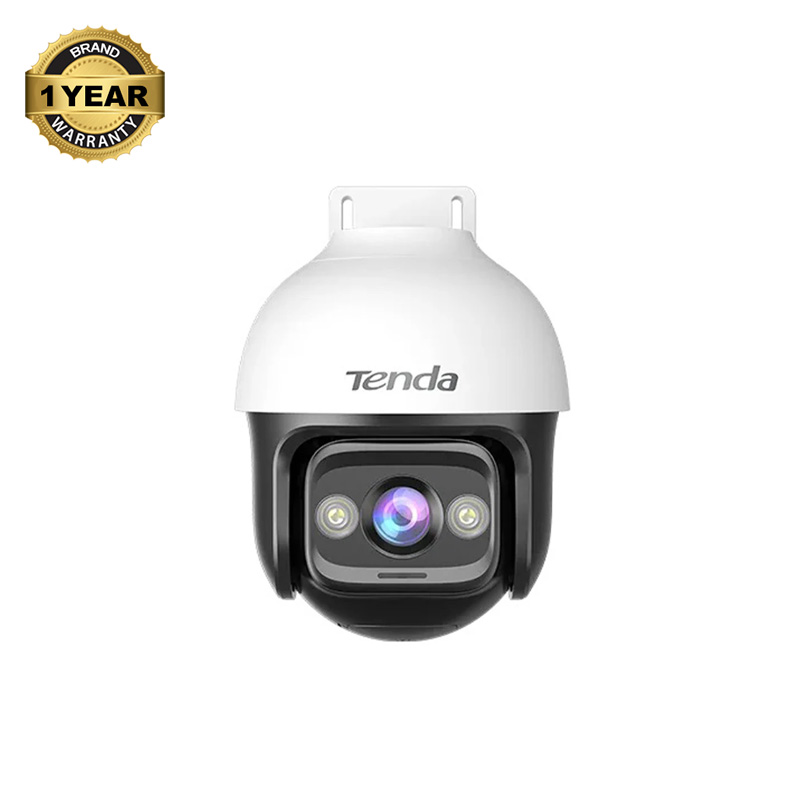
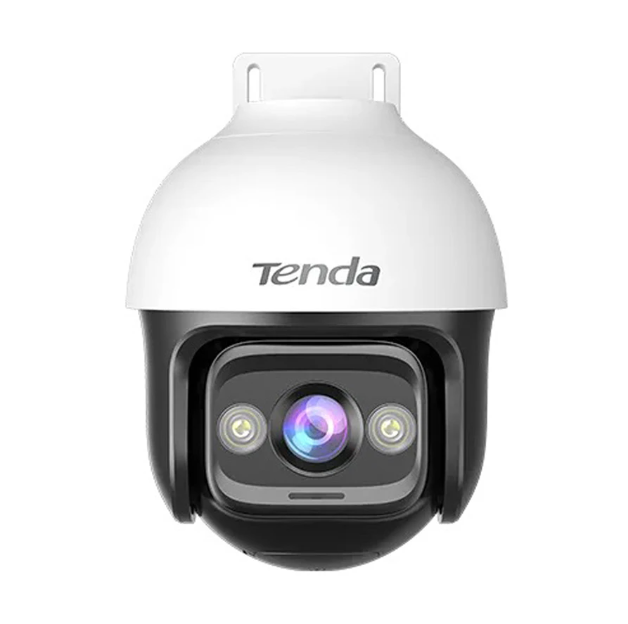
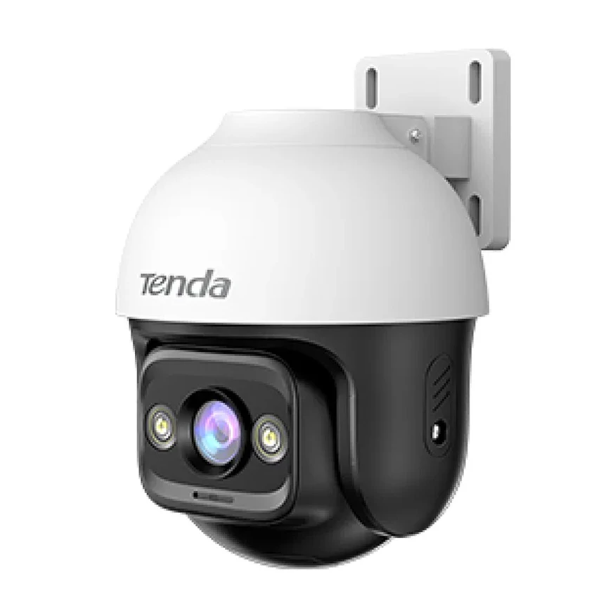
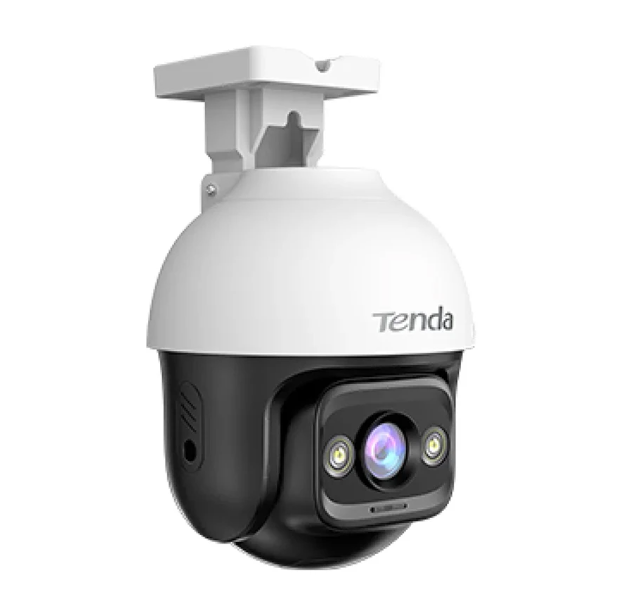
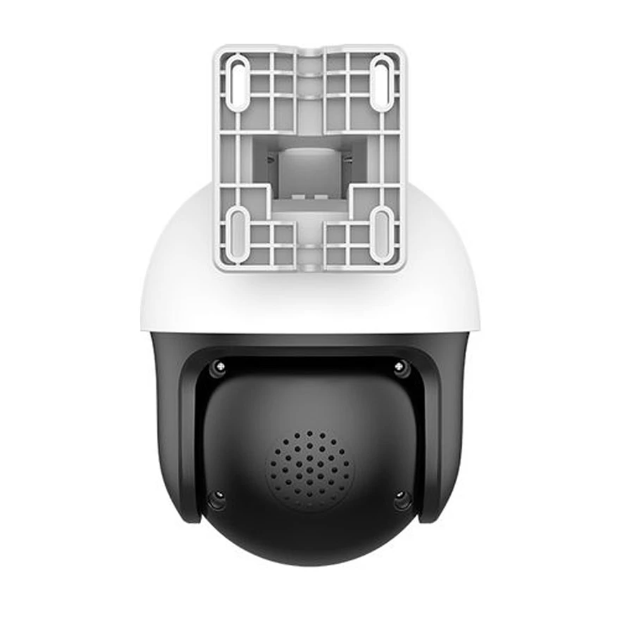
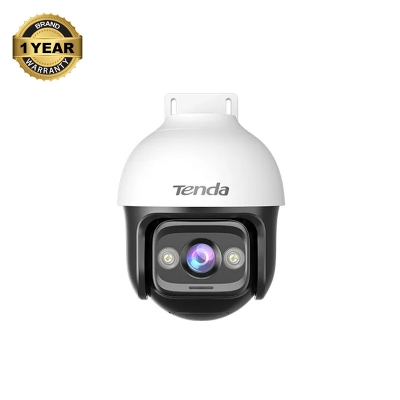
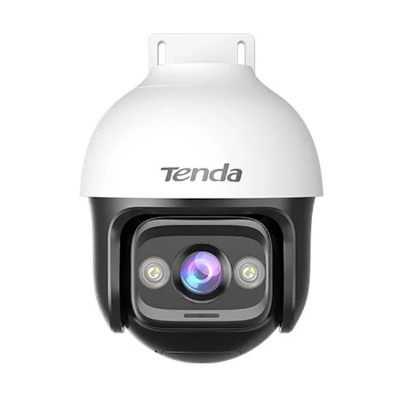
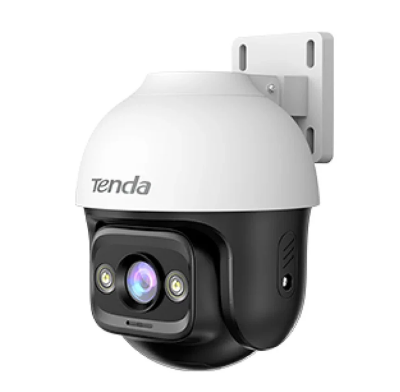
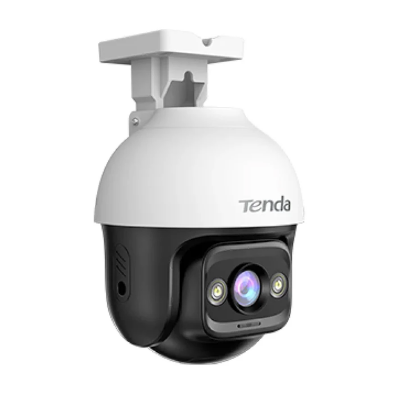
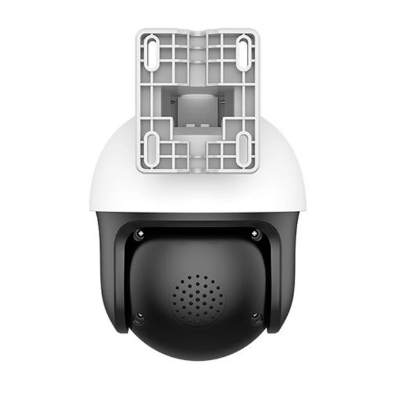
Tenda CH3-WCA IP Camera In Bangladesh
The Tenda CH3-WCA is a smart security camera designed to keep an eye on your home or business. It has a high-quality 3.0-megapixel lens that captures clear videos. What makes it truly special is its ability to see in full color at night. Unlike older cameras that switch to black and white, this one uses a bright lens and spotlights to show you a clear, colorful picture even when it's dark. You can control this camera with an app on your phone, moving it up and down and side to side to see a full 360-degree view. It's like having multiple cameras in one. It's also smart enough to tell the difference between people and other movements. If it sees a person, it can flash a light and make a sound to scare them away, while also sending an alert to your phone. You can even talk to someone through the camera, as it has a built-in microphone and speaker. It is waterproof and dustproof. So you can place it outside without worrying about rain or sun damage. It also has strong Wi-Fi antennas for a reliable connection, and you can connect it with a wire if you prefer.

Cloud Storage Plan For Tenda WiFi Camera
Besides physical memory card you can also keep your videos safe with the Tenda Cloud Storage service. You can easily buy could storage plan from your Tenda (TDSEE) app. With could storage your videos will never be lost. Store, Stream, Access your recorded videos anytime, anywhere. Cloud recording can protect your home or business with reliable backup and uninterrupted surveillance.
Keeping Your Camera Working Well
Taking care of your Tenda camera is easy. Just follow these simple steps: Keep the lens and camera body clean. Use a soft, dry cloth to wipe away any dust or dirt so your video stays clear. Make sure all the wires are plugged in tightly. Check the app for updates. The company often releases new software to make the camera work better and more securely. If you use a memory card for recording, check it every now and then to make sure it's working and to save any important videos. If you have any problems with the connection, try unplugging the camera for a moment and then plugging it back in.


Login to ask a question
