
 Global Finds
  Quick Commerce
  Daily Bazar
  Electronics & Appliances
  Mother, Baby & Toys
  Beauty
  Sports
  Automotive
  Stationery, Books & Music
 _20.png) Fashion Luxe
Fashion Luxe  Fashion
 _20.jpeg) Home
Home  Garden & Pet Care
  Special Weekly Offer
  Grocery
  Global Finds
  Quick Commerce
  Daily Bazar
  Electronics & Appliances
  Mother, Baby & Toys
  Beauty
  Sports
  Automotive
  Stationery, Books & Music
 _20.png) Fashion Luxe
Fashion Luxe  Fashion
 _20.jpeg) Home
Home  Garden & Pet Care
  Special Weekly Offer
  Grocery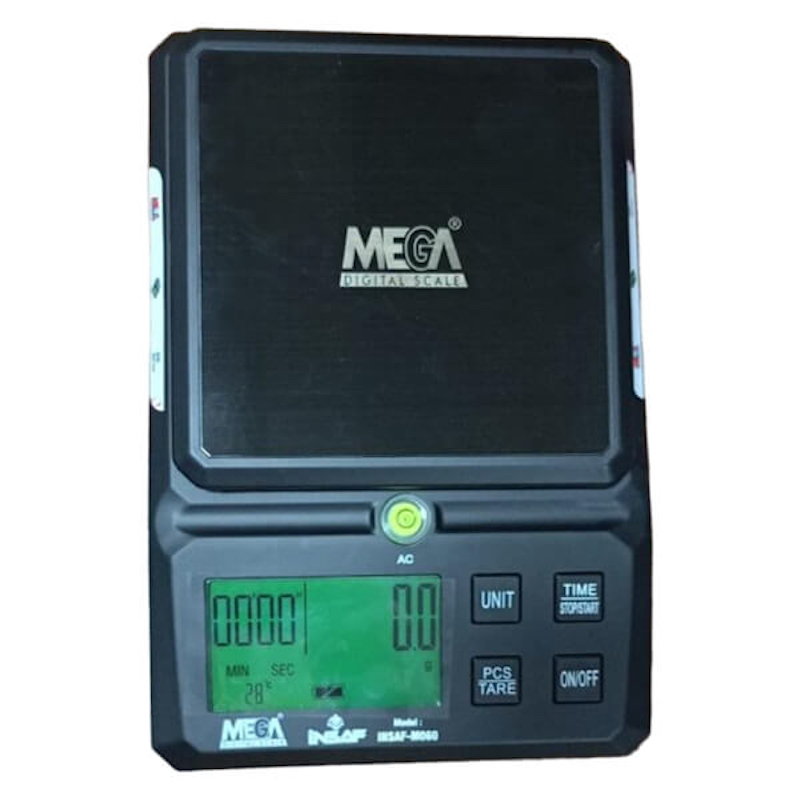
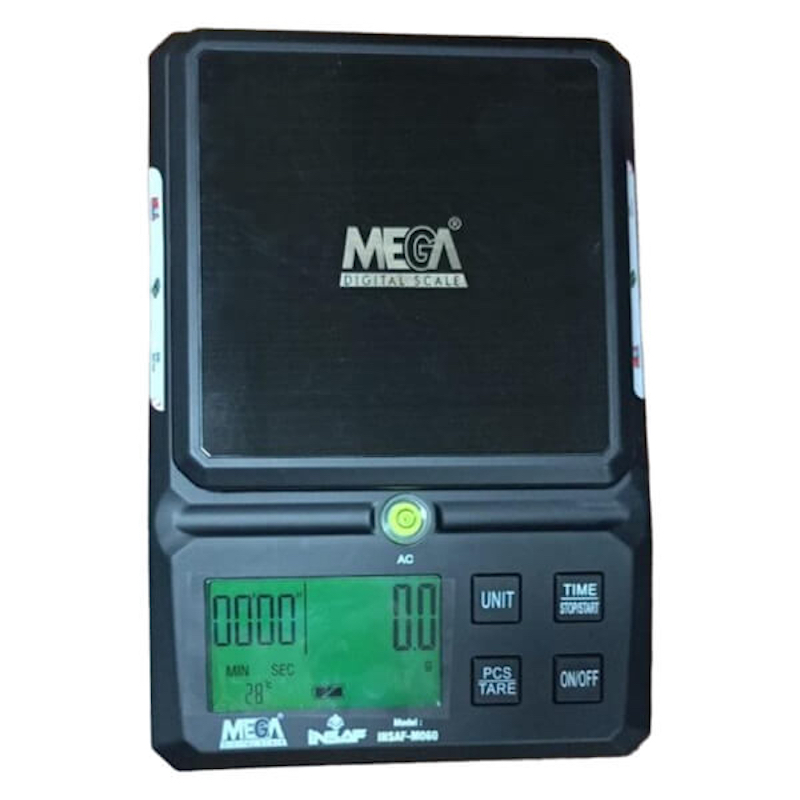
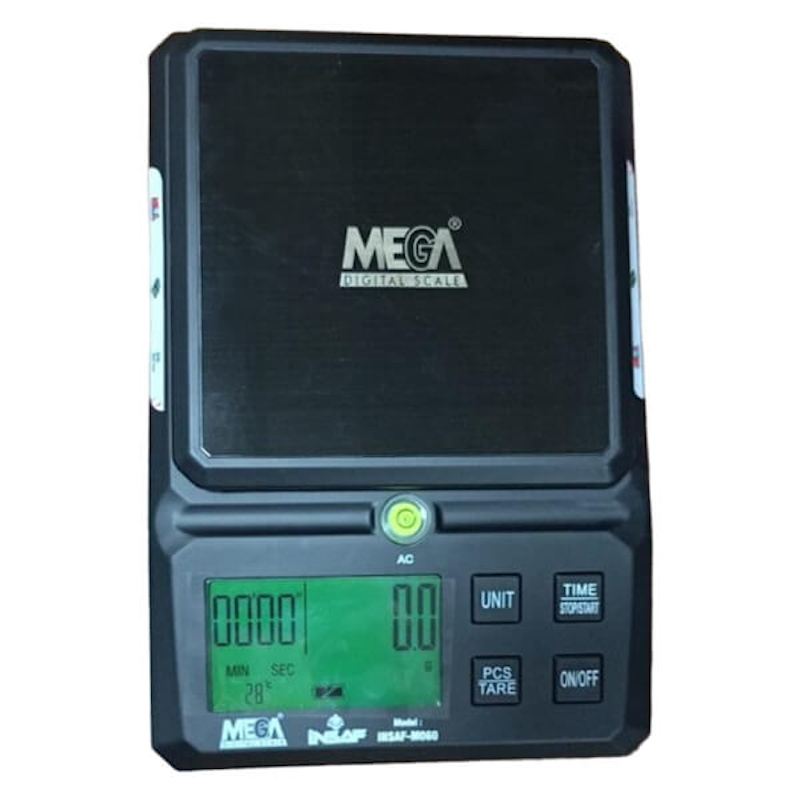
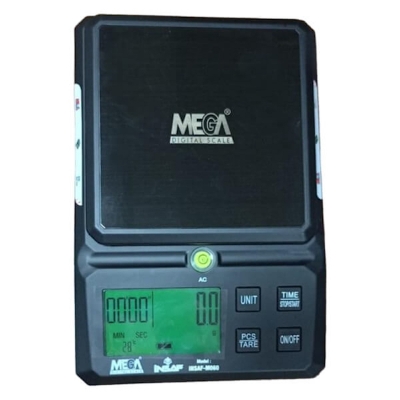
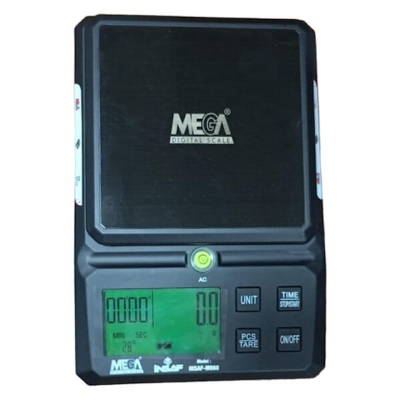
Thank you for choosing our company's electronic kitchen and Laboratory Scale 6Kg iNSAF-M060, to use correctly this product to ensure its accuracy and life, be sure to carefully read the instructions before use.
\n
Features of the Laboratory Scale 6Kg iNSAF-M060
\n-
\n
- Weighing index value: 6kg/0.1g \n
- Readability: 0.1gm to 6000gm \n
- Maximum Capacity: 6Kg \n
- The automatic zero function \n
- Automatic shutdown function \n
- g, TL, LB, OZ, ML units conversion function \n
- With counting function \n
- With functions of temperature \n
- With functions of the clock \n
- Have the countdown function \n
- A charging indicator for full light \n
- Has the level display \n
- The lithium battery and dual power supply ordinary dry cells \n
Operational Steps of Mega Kitchen and Laboratory Scale 6Kg iNSAF-M060:
\n-
\n
- Step 1: Keep the kitchen scale on a stable platform, to maintain a level state \n
- Step 2: Press the "Power On / Off" key to display "0" after 3 seconds \n
- Step 3: Place the item in the middle area of the weighing pan, and the display will show the weight of the item \n
- Horizontal instruction: In the level, the small bubble does not deviate completely from the small black circle, indicating that the electronic scale has been placed horizontally. \n
-
\n
- Press "stop/start" when the boot is fully displayed. The hour begins to flicker, the short press "unit" key to increase the setting, or the short press "zero" key to reduce the setting of the hour. When finished, press the "stop/start" button, and the minutes begin to flicker, press the "unit" button to set the minutes, or press the "zero" button to reduce the setting. When \nfinished, press the "stop/start" button to exit the Settings, and the clock setting is completed. \n
- Adjust the clock function by pressing the "open/off" key, and in the full display state, the long press "stop/start" button is performed according to 1 procedure. \n
- Turn OFF the clock function - press the "on/OFF" key, and press "zero" until the "zero" button appears in full display. The Settings are completed \n
-
\n
- When using the electronic scale should be placed horizontally, and can not be used in a vibrating environment. \n
- It is strictly prohibited to overload, prohibited impact electronic scales with heavy objects. \n
- Prohibited for rain, washing, can't fall from the height of electronic scales. \n
- When the "LO" indicator appears, the battery voltage is too low. Replace the battery immediately. \n
- Please use in the range of 0°C ~40 'C, to avoid the temperature change being too large an environment \n
- The electronic scale is a precision instrument when the things put on the tray, do not force the tray pressure. \n
- When the electronic scale is in the work state, do not move the scale body, so as not to affect the accuracy of weighing. \n
- When the surface of the electronic scale is stained, wipe it with a damp cloth. Do not use any chemicals \n
- Do not disassemble the user to repair their electronic scale, if any fault, please contact your local dealer or supplier. \n
-
\n
- Digital Kitchen and Laboratory Scale 6Kg \n
- Readability: 0.1gm to 6000gm \n
- Model: iNSAF-M060 \n
- Brand: Mega, China \n
- Warranty: 3 years \n

Customer Questions and answers :
Login to ask a question
