



 Global Finds
  Quick Commerce
  Daily Bazar
  Electronics & Appliances
  Mother, Baby & Toys
  Beauty
  Sports
  Automotive
  Stationery, Books & Music
 _20.png) Fashion Luxe
Fashion Luxe  Jersey
  Sports Shoes
  Fashion
 _20.jpeg) Home
Home  Garden & Pet Care
  Special Weekly Offer
  Grocery
  Global Finds
  Quick Commerce
  Daily Bazar
  Electronics & Appliances
  Mother, Baby & Toys
  Beauty
  Sports
  Automotive
  Stationery, Books & Music
 _20.png) Fashion Luxe
Fashion Luxe  Jersey
  Sports Shoes
  Fashion
 _20.jpeg) Home
Home  Garden & Pet Care
  Special Weekly Offer
  Grocery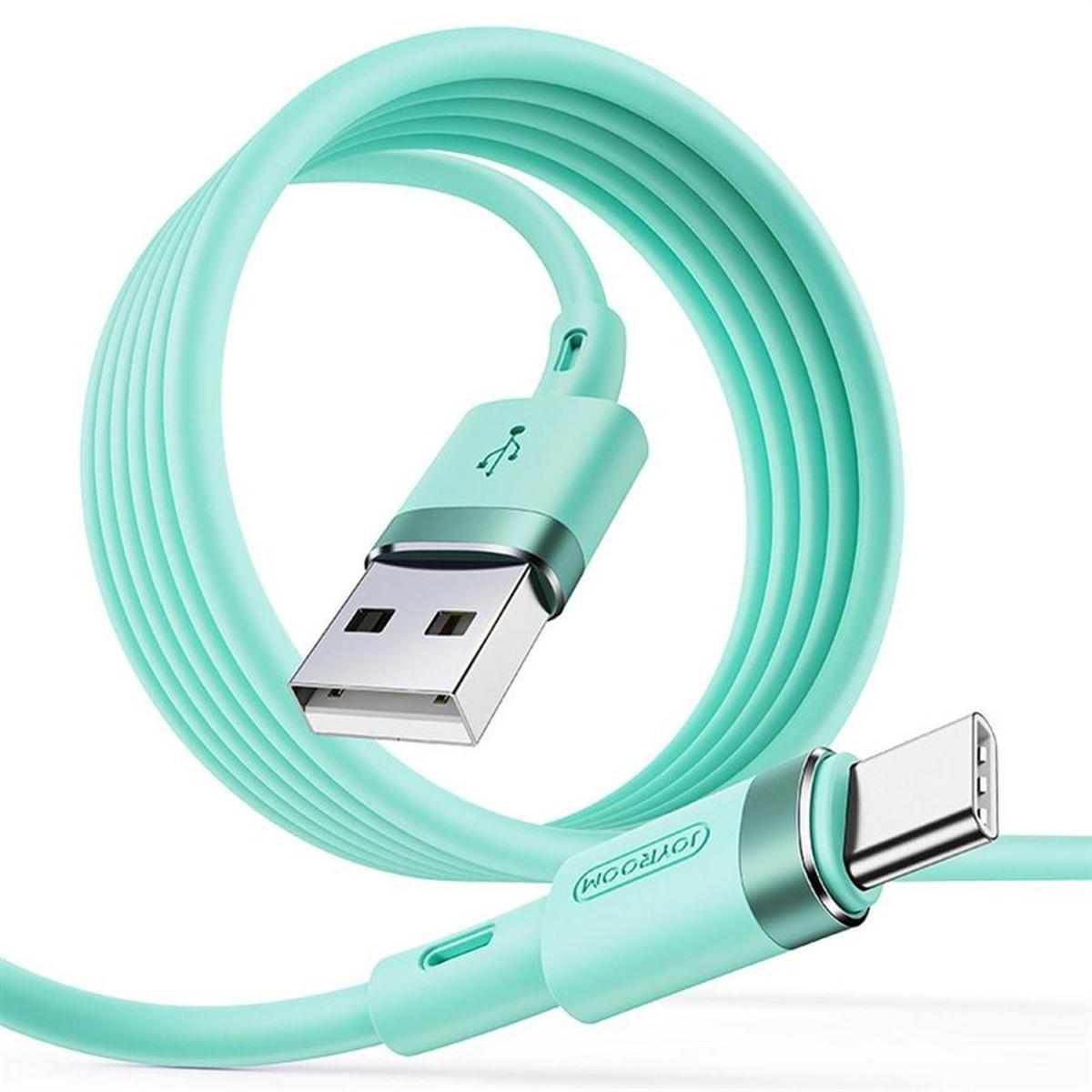

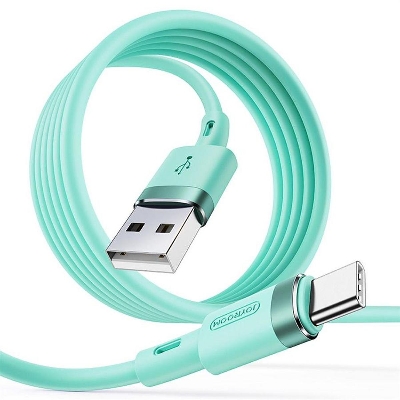

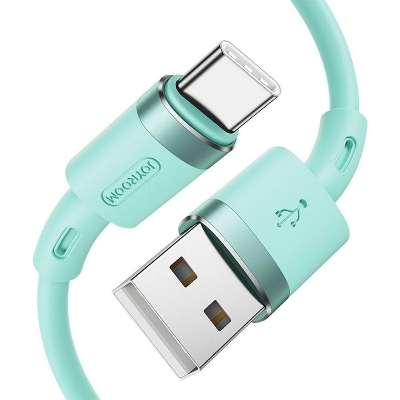
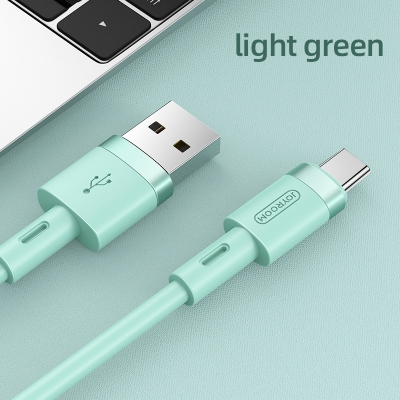
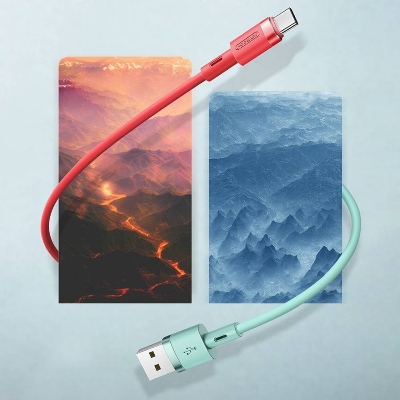
The most important features:
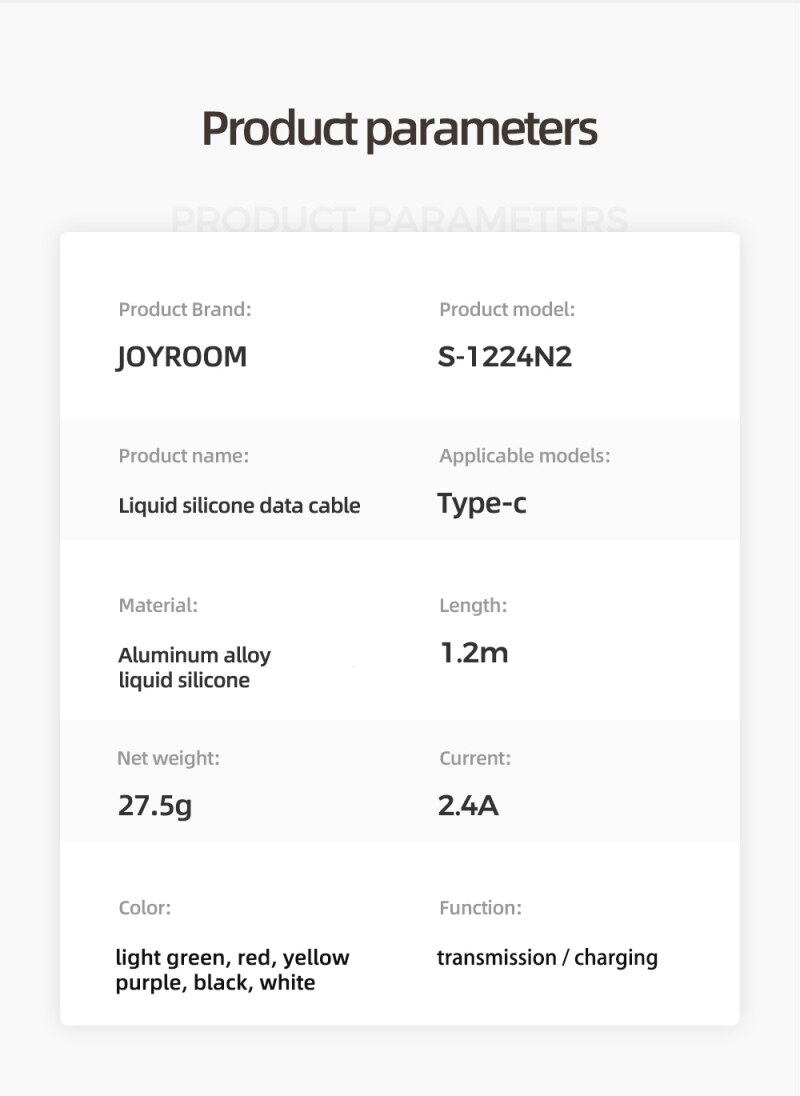
- Equipped with an intelligent chip that adjusts the input voltage when charging the equipment, protecting the device from damage
- Backlight to indicate the location of connected equipment in a dark room
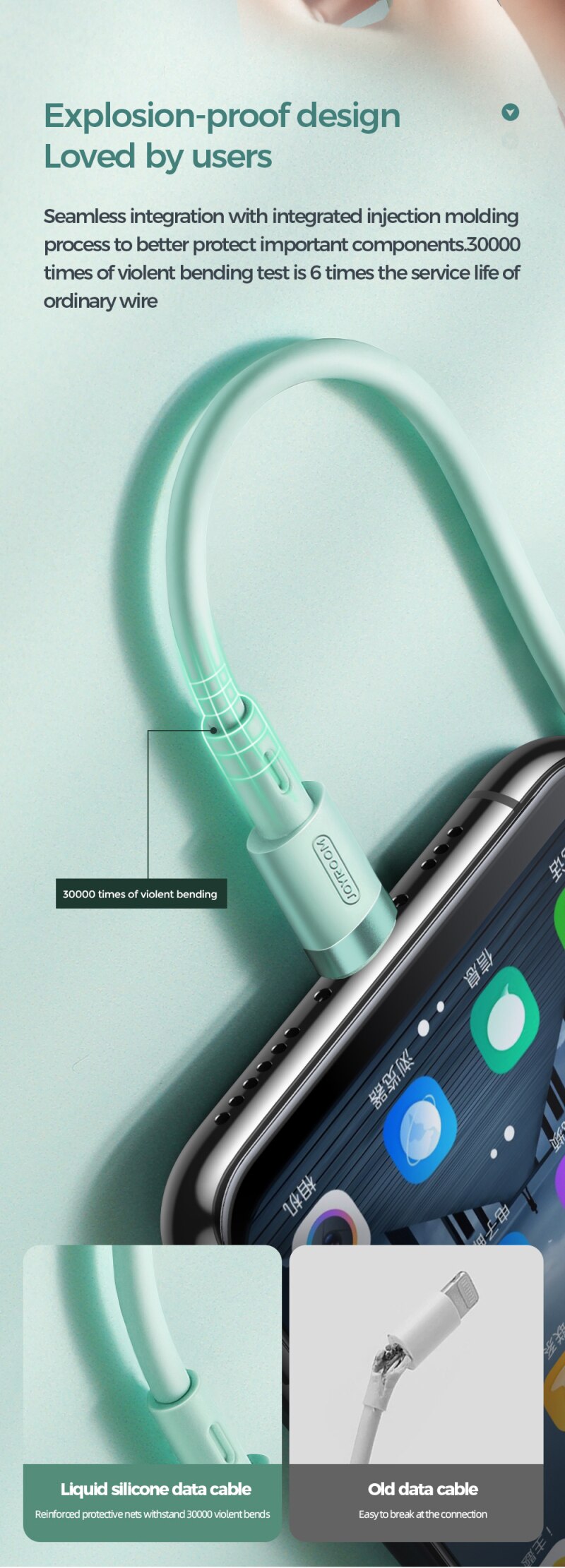
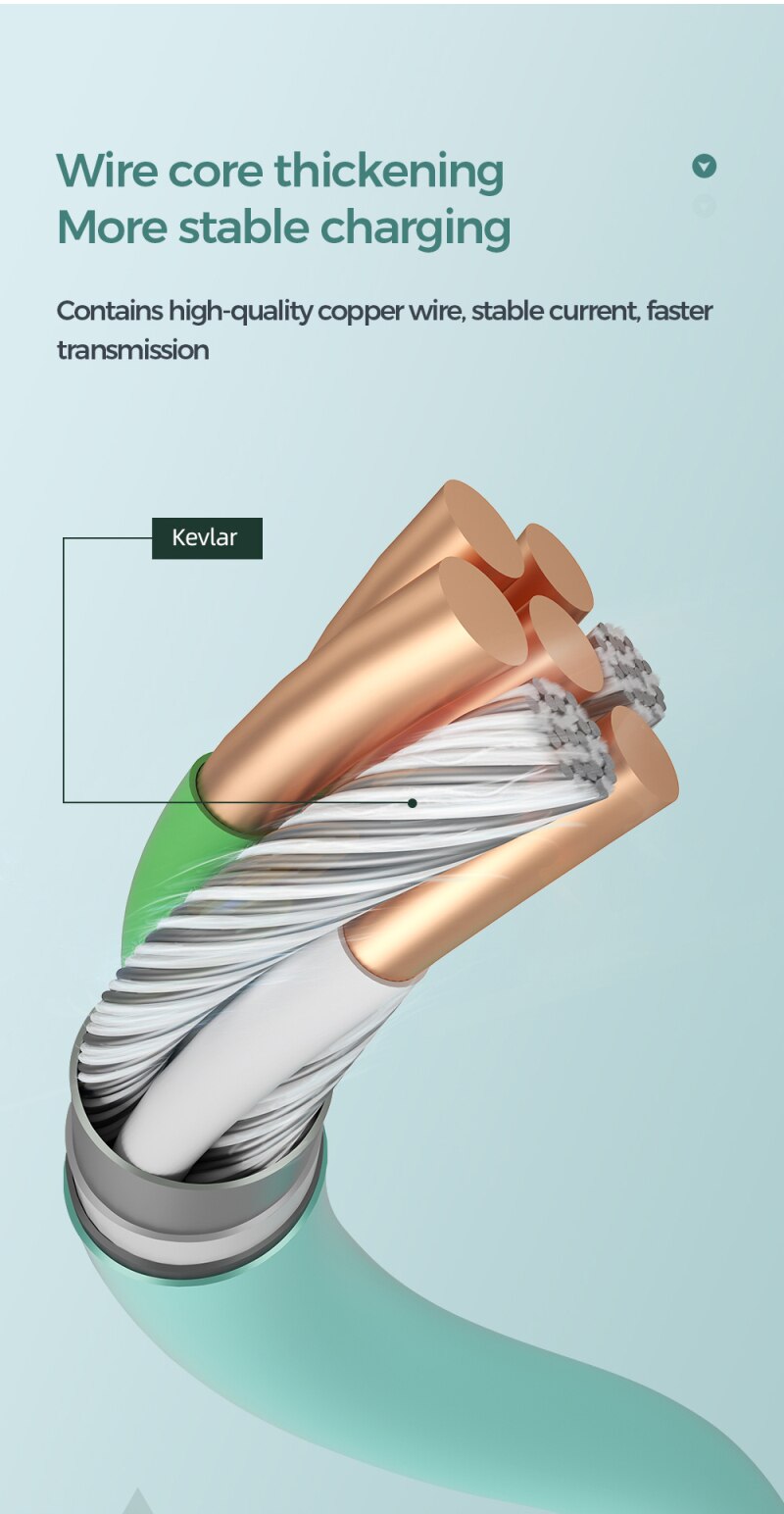
- Withstands up to 80 kg of tension
- Support for data transmission and charging
- Compatible with all devices with a Type-C port
- Fast charging
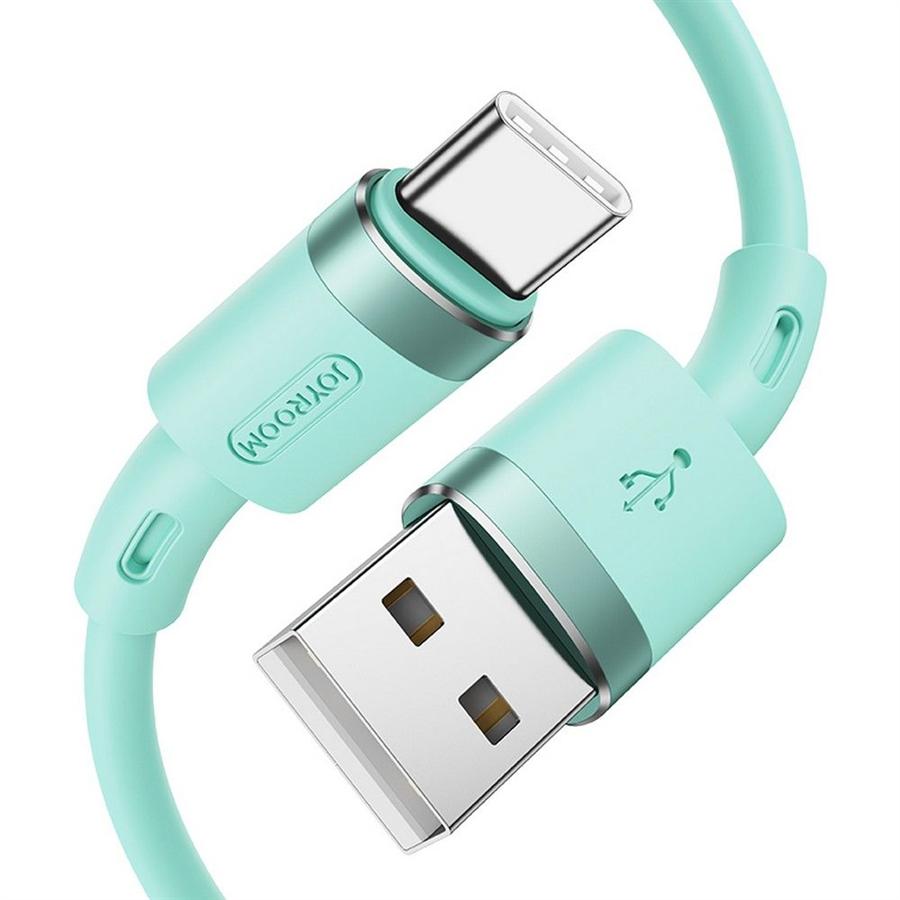
Convenient charging and durable construction
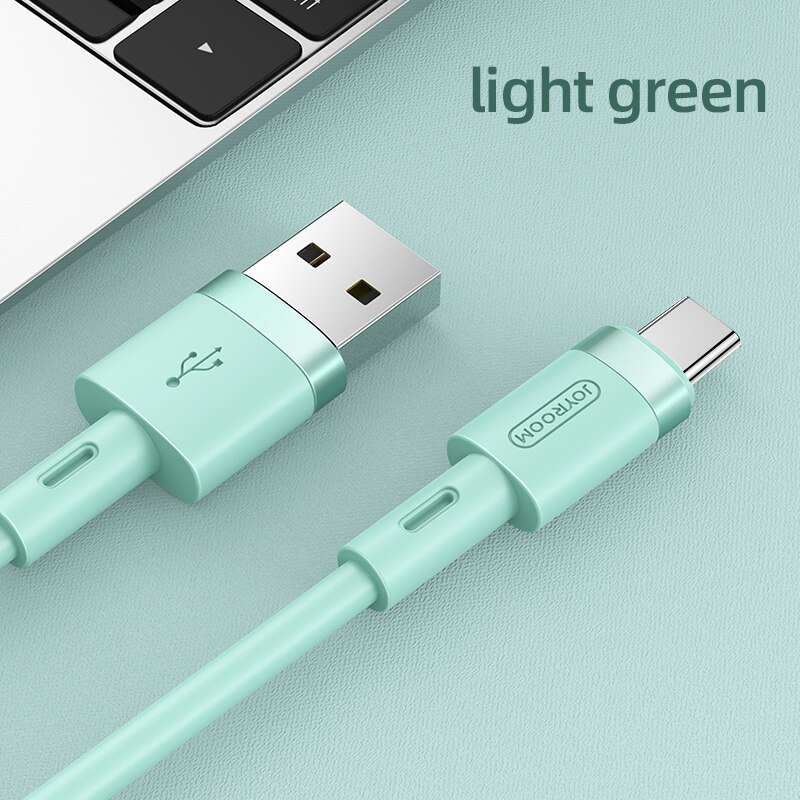
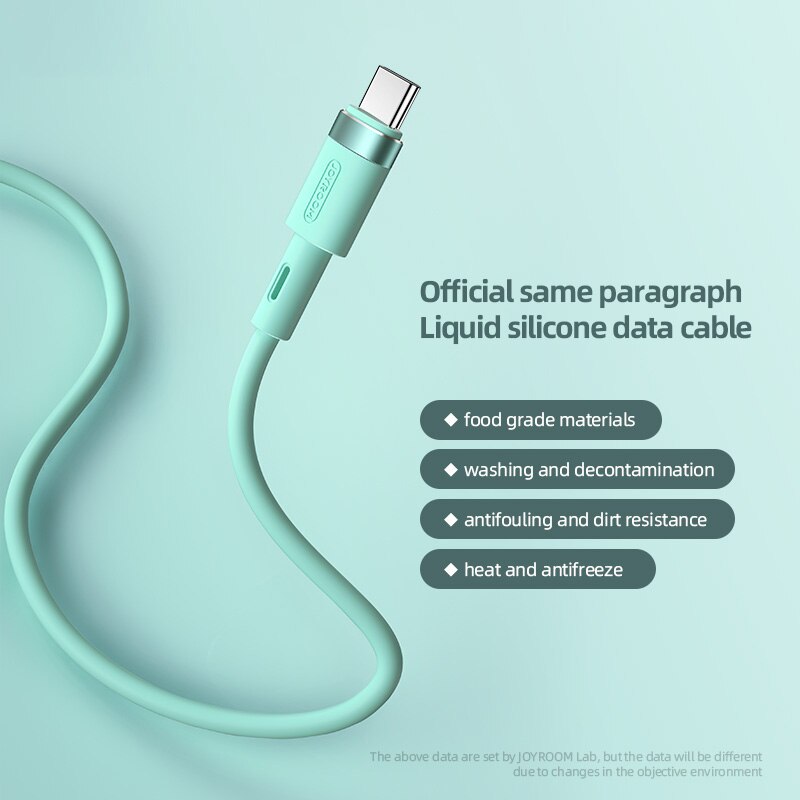
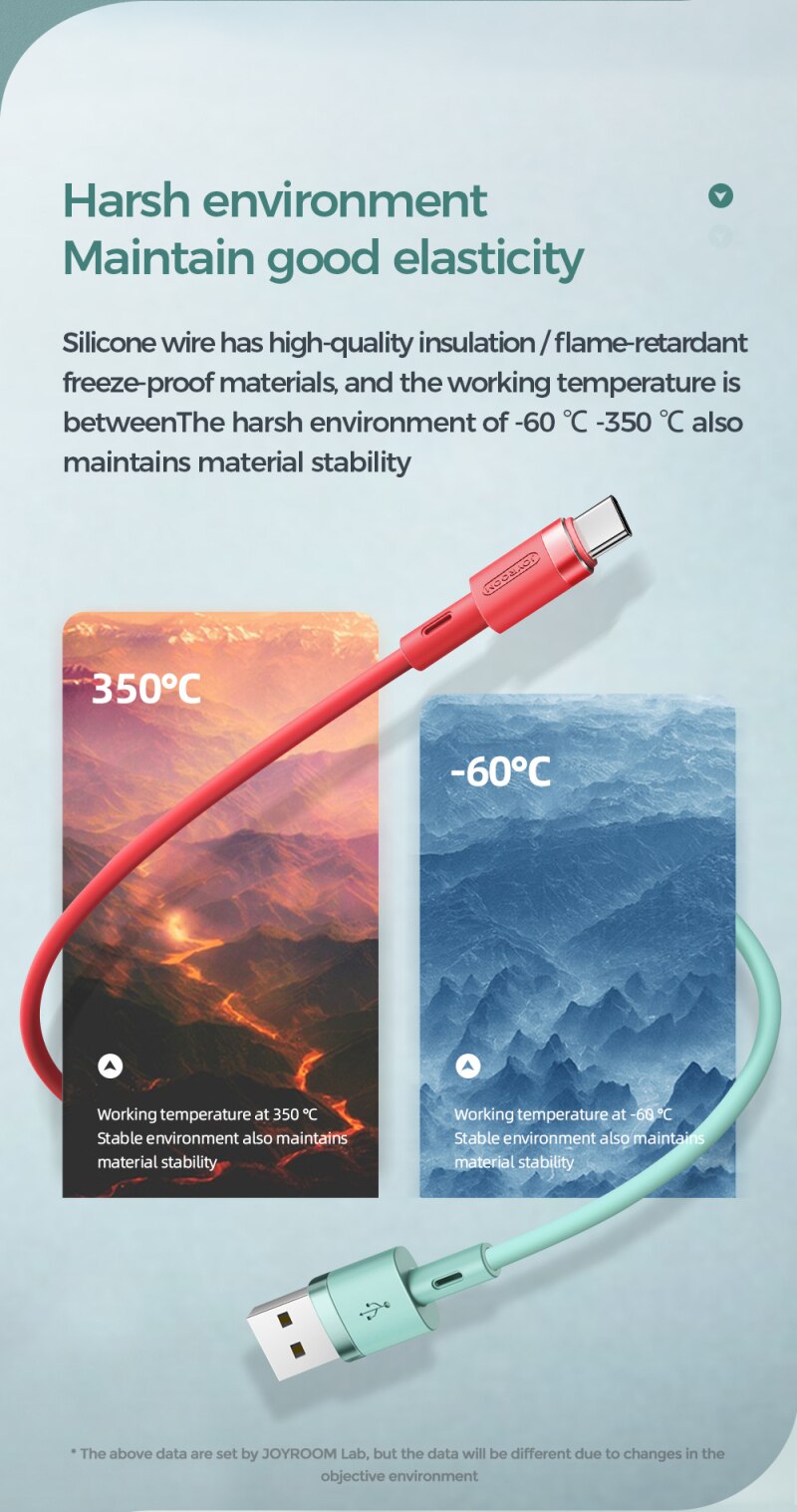
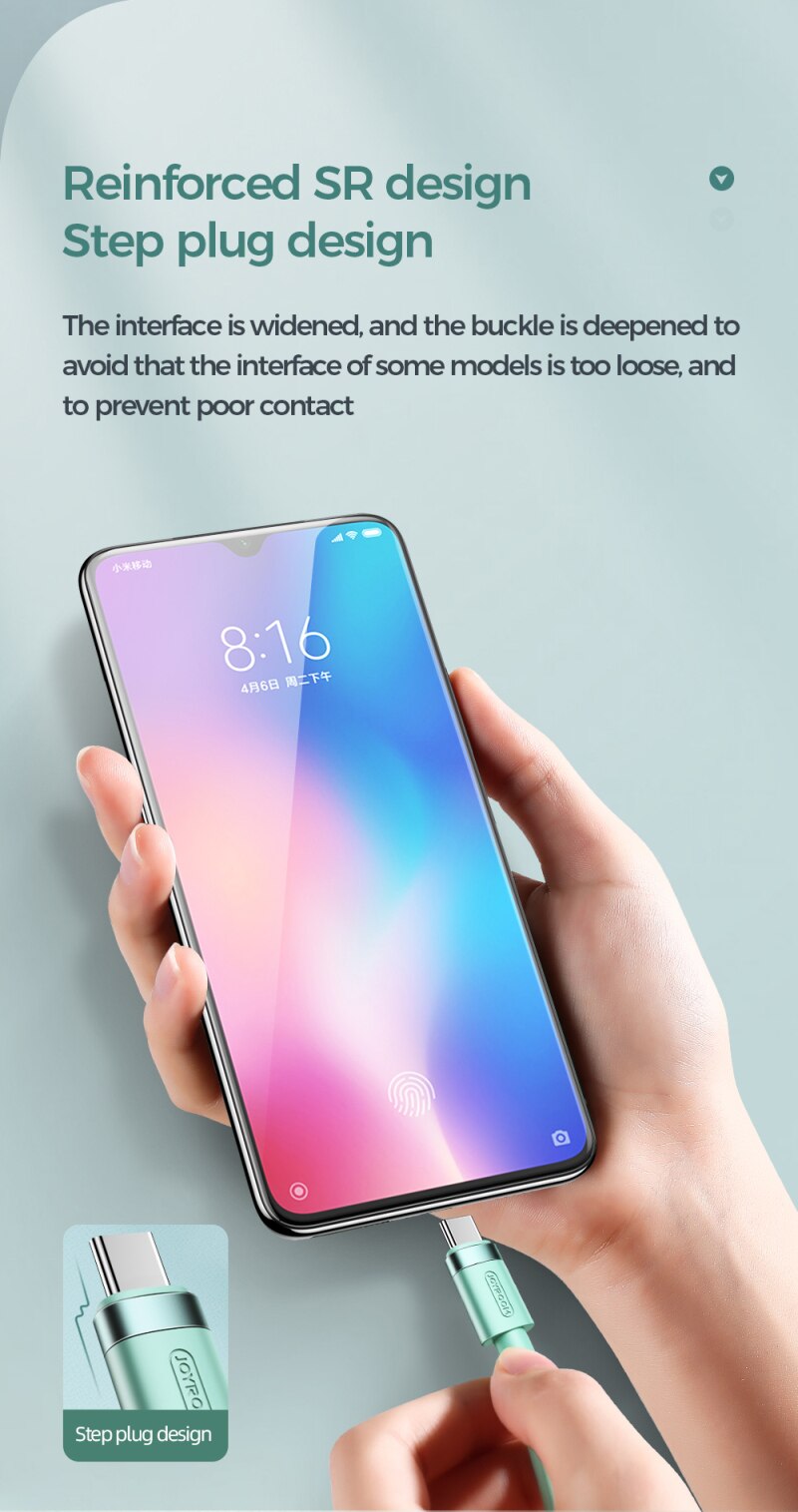
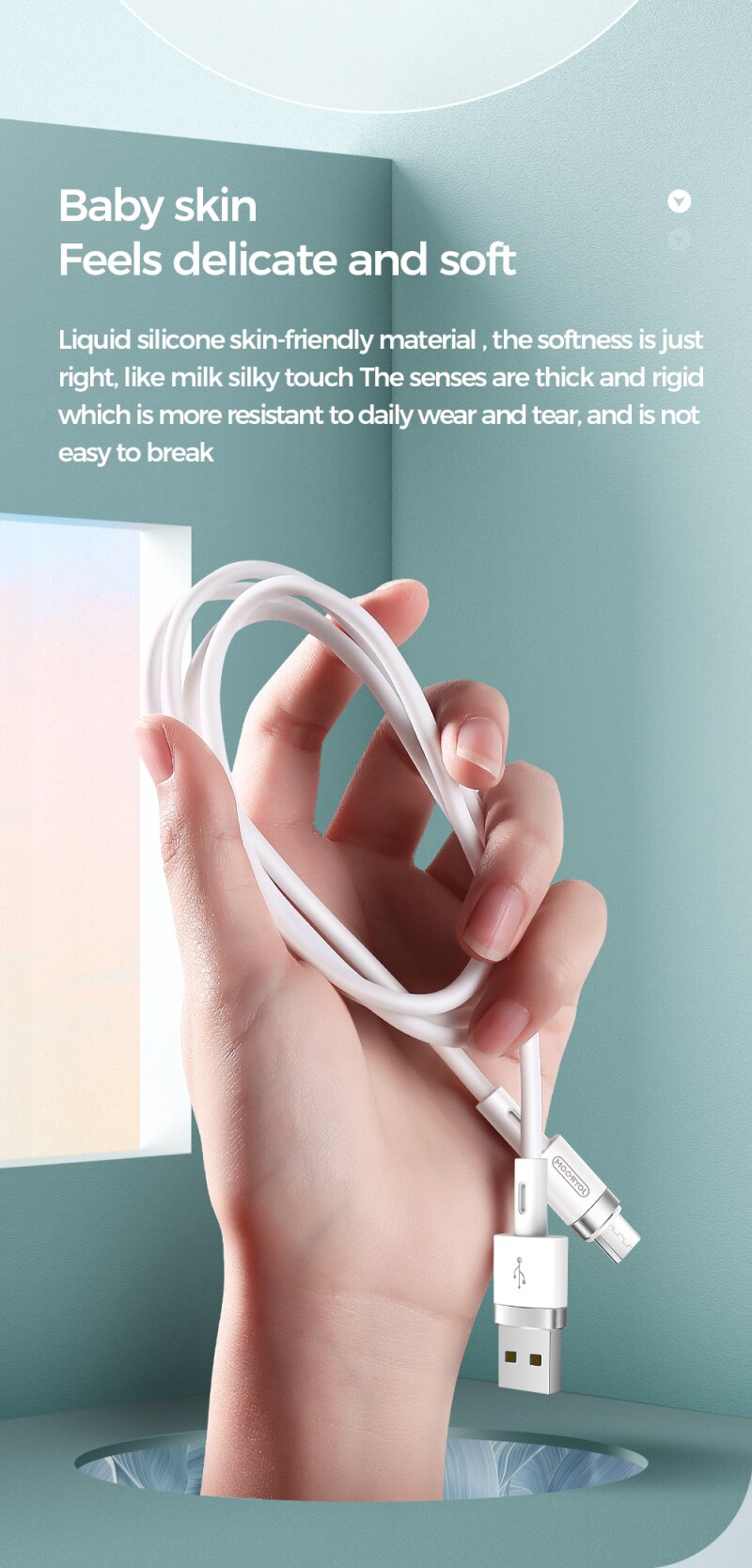
The modern type C cable allows you to conveniently charge any device that uses a USB type C output. A great advantage of the cable is the possibility of using fast charging, which will fully satisfy all devices with this function. A soft silicone finish with additional protection at the ends protects against failures - damage at the USB and USB C end, which happens most often.
Tailored to the user's needs
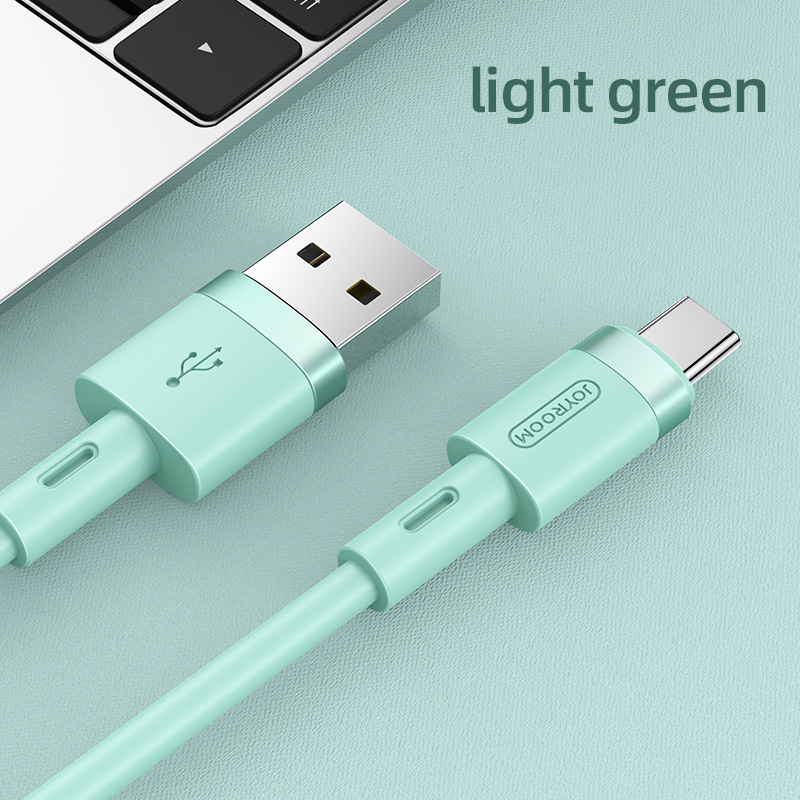
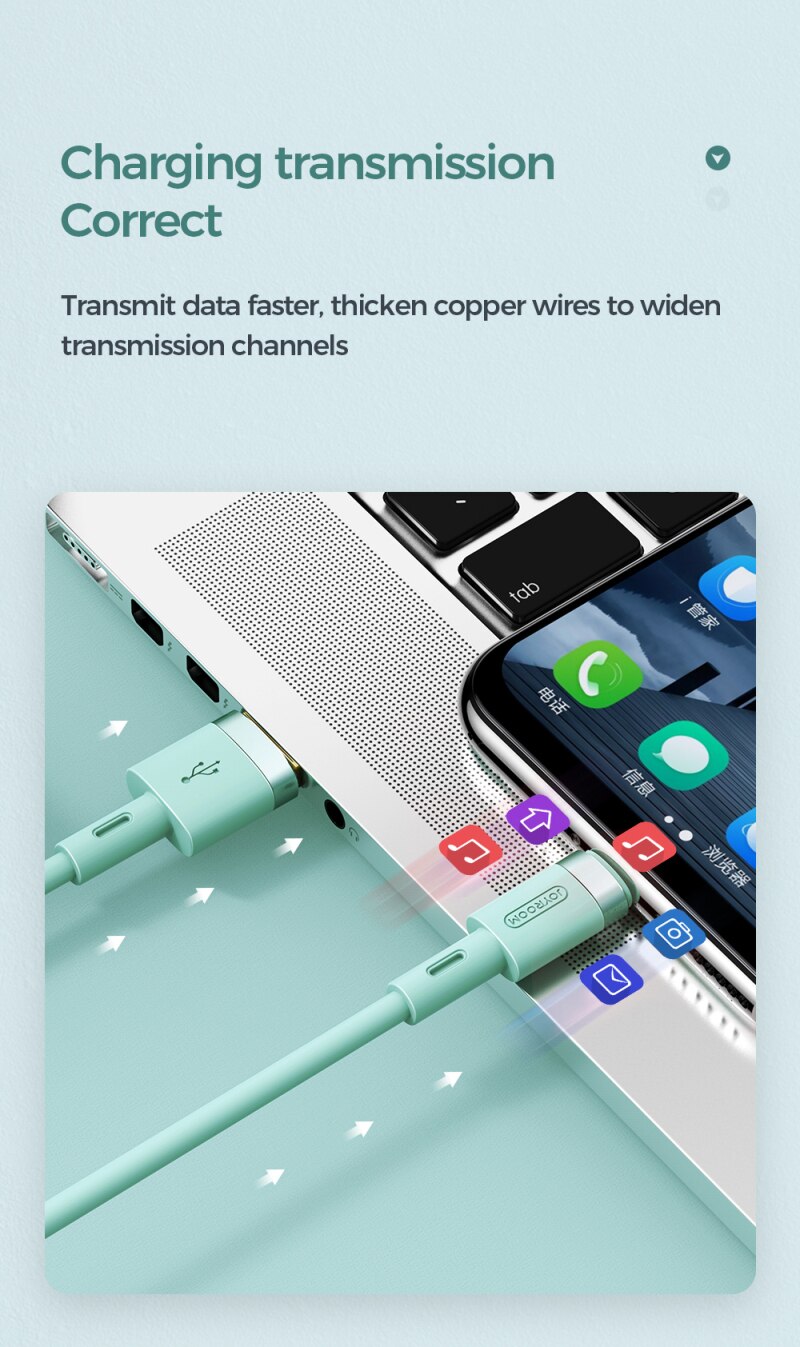
The universal type C cable allows you to use it in two ways. It can easily replace an old damaged cable, thanks to which it is possible to charge any device with a type C output. In addition, with its help you can easily transfer data, e.g. between a laptop and a phone. An interesting solution is the backlight at the point of connection to the equipment. This allows, among other things, to locate the device in a dark room. The cable is additionally equipped with a special chip - its task is to protect the charged equipment from too much voltage.
Simple to use
The cable is extremely easy to use. The user is only required to connect it to the device to be charged, and then plug the plug into the socket or other device that allows charging (you can charge the smartphone by connecting it to a laptop).
Package Included:
1*Charging cable


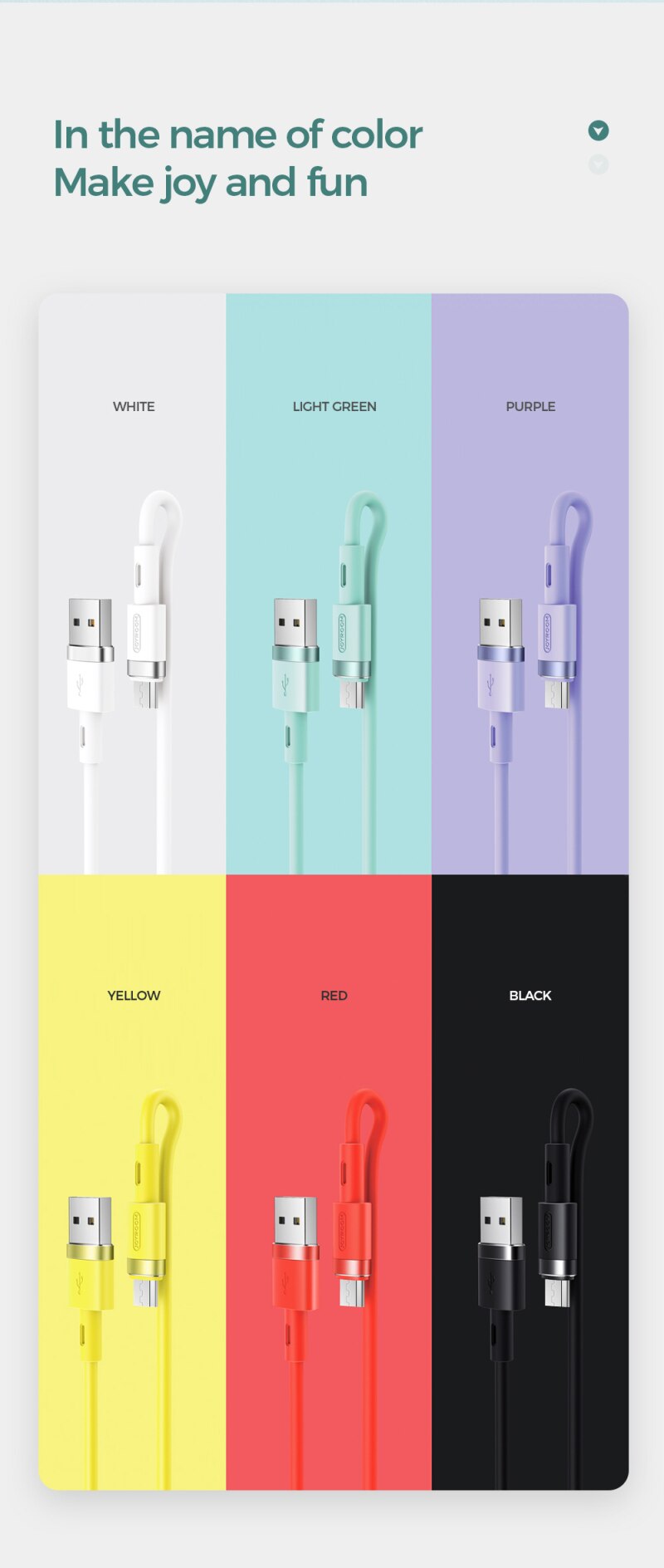

Note: Product delivery duration may vary due to product availability in stock.
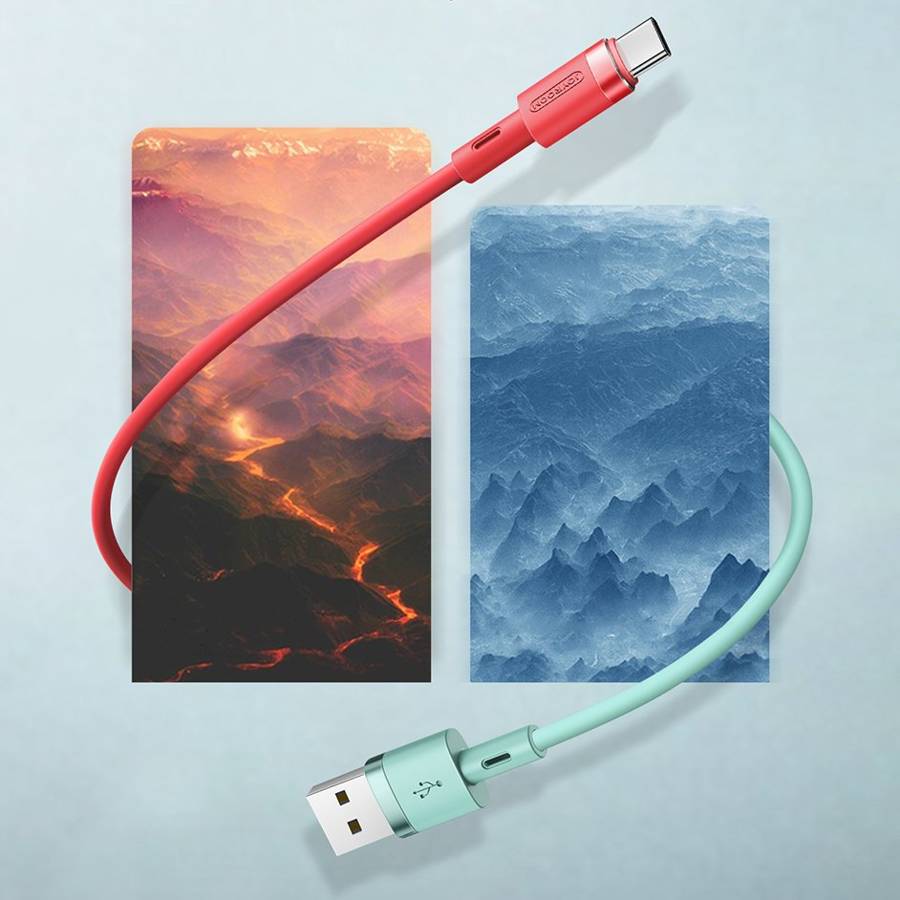
Disclaimer: The actual color of the physical product may slightly vary due to the deviation of lighting sources, photography or your device display settings.

Login to ask a question
