



 Global Finds
  Quick Commerce
  Daily Bazar
  Electronics & Appliances
  Mother, Baby & Toys
  Beauty
  Sports
  Automotive
  Stationery, Books & Music
 _20.png) Fashion Luxe
Fashion Luxe  Fashion
 _20.jpeg) Home
Home  Garden & Pet Care
  Special Weekly Offer
  Grocery
  Global Finds
  Quick Commerce
  Daily Bazar
  Electronics & Appliances
  Mother, Baby & Toys
  Beauty
  Sports
  Automotive
  Stationery, Books & Music
 _20.png) Fashion Luxe
Fashion Luxe  Fashion
 _20.jpeg) Home
Home  Garden & Pet Care
  Special Weekly Offer
  Grocery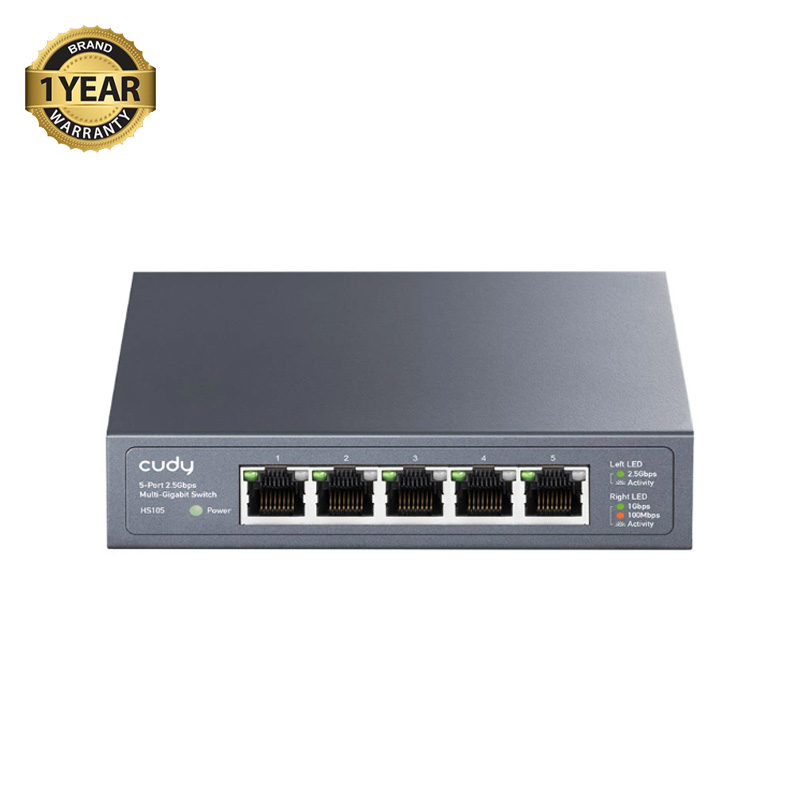
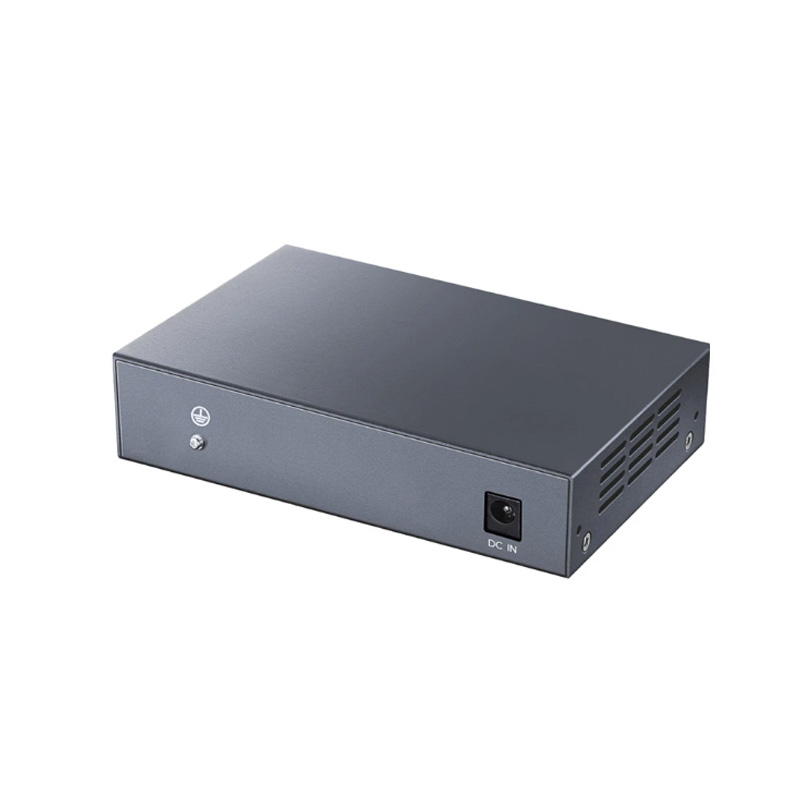
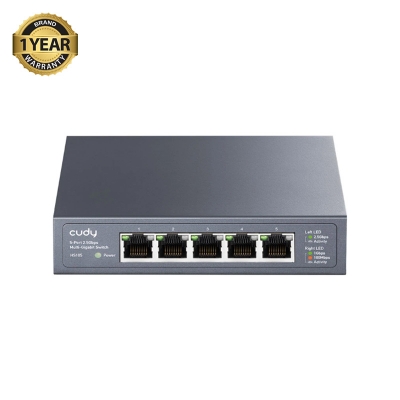
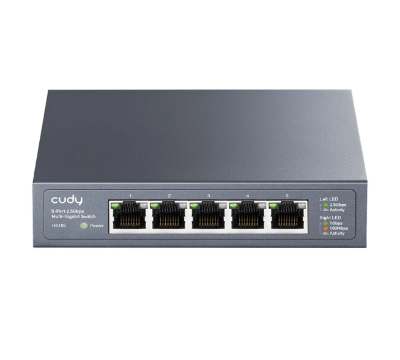
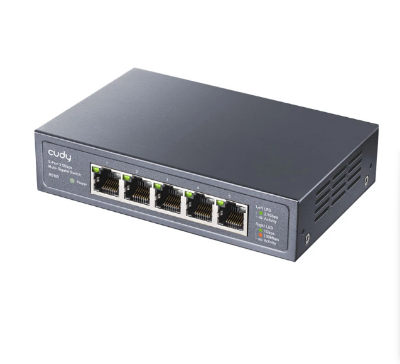
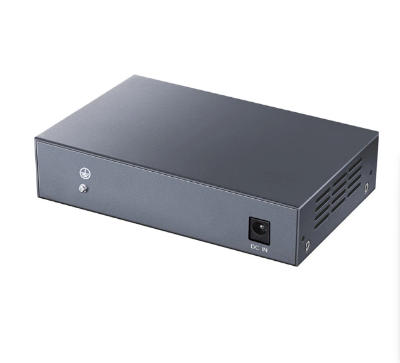
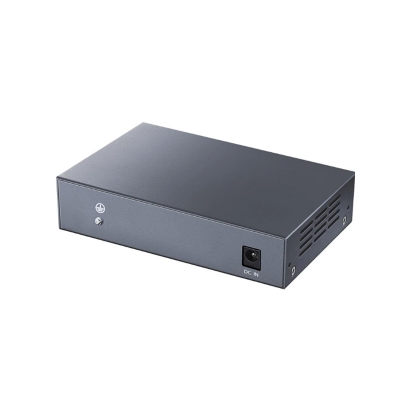
Cudy HS105 Network Switch
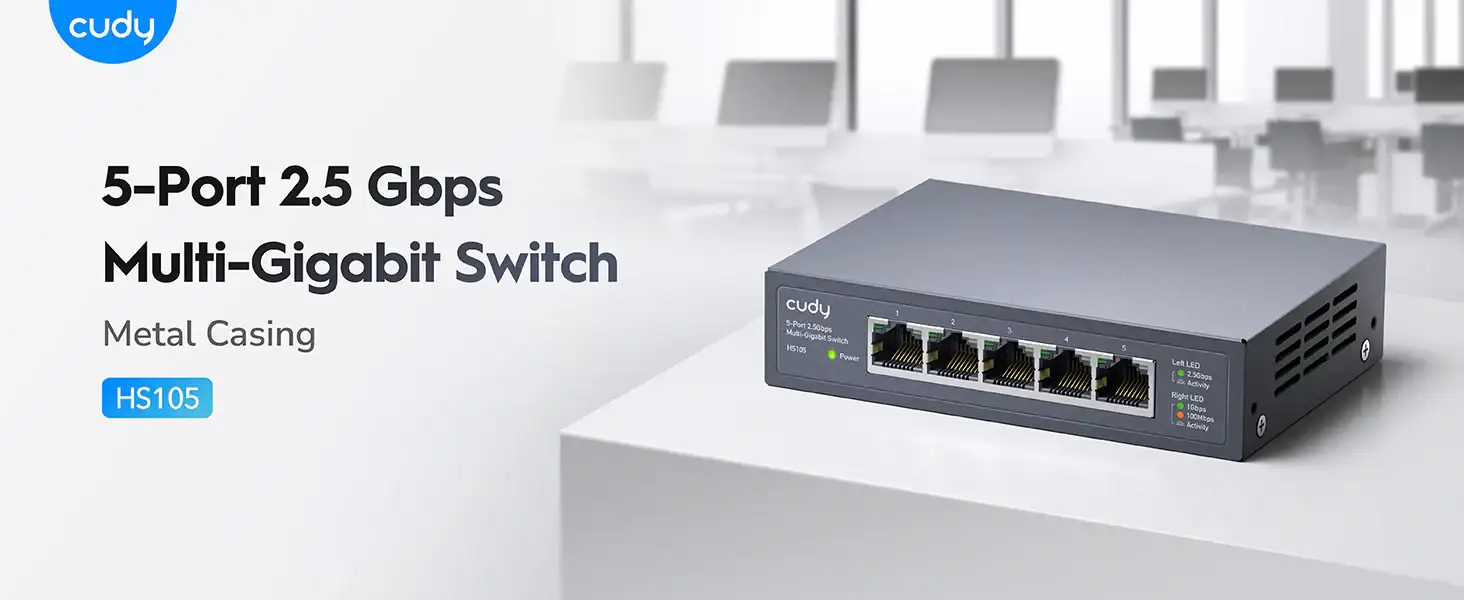
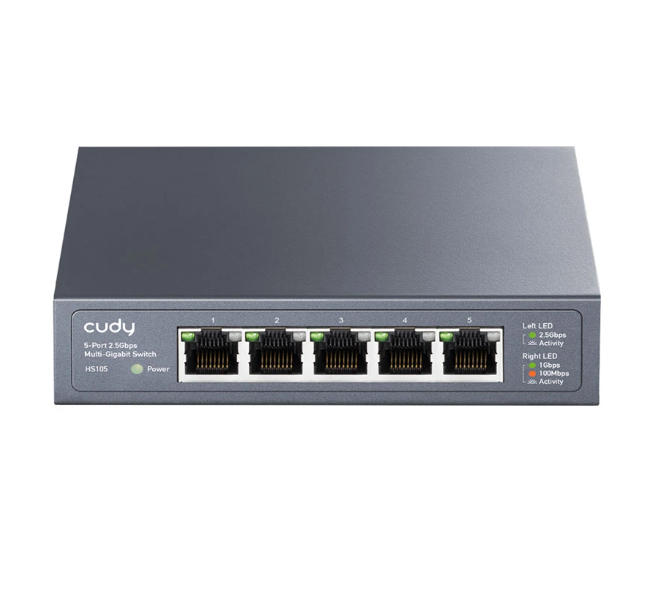
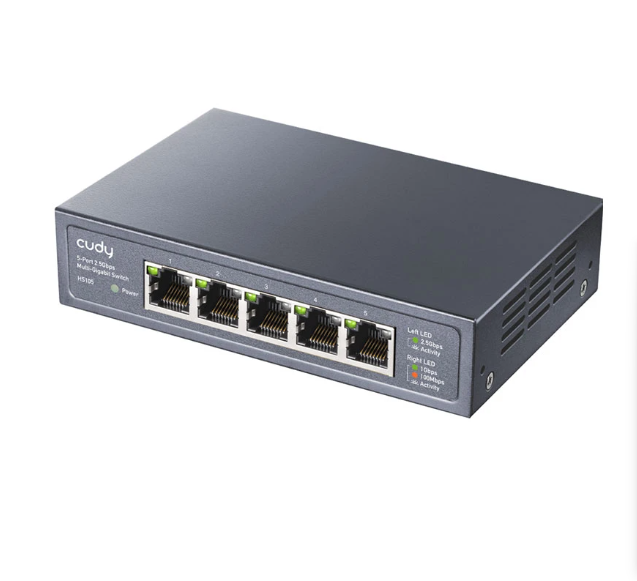
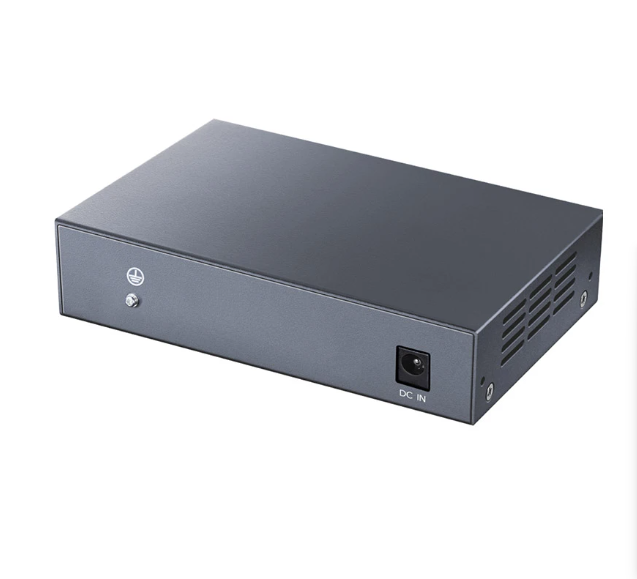
Cudy HS105 5 Port 2.5G Unmanaged Desktop Switch
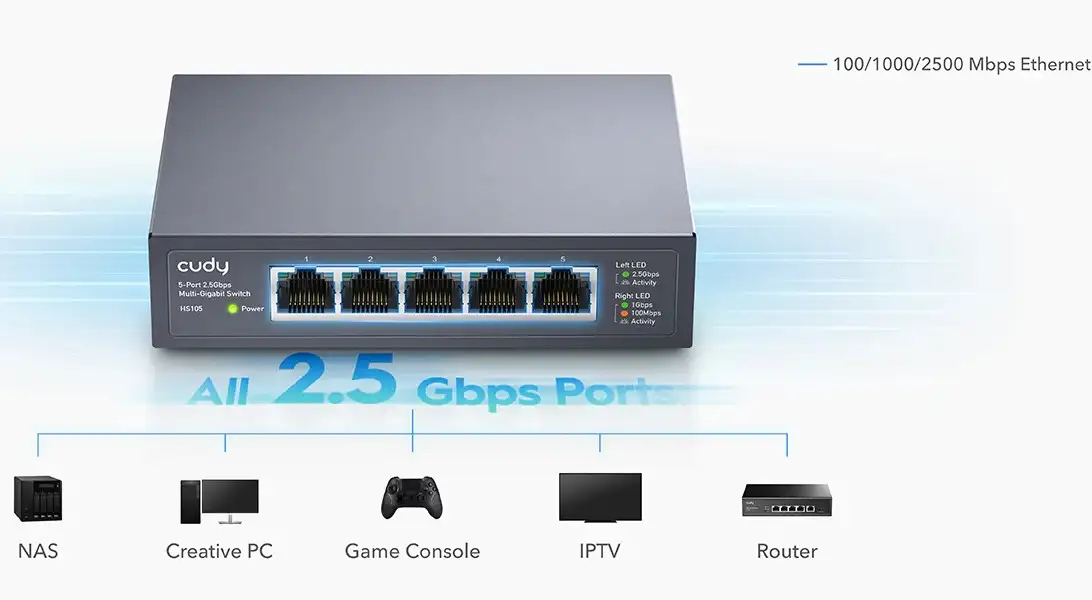
The Cudy HS105 5 Port 2.5G Unmanaged Desktop Switch offers a seamless way to upgrade your network speed. This switch ensures ultra-fast data transfer, perfect for gaming, streaming, and professional workloads. Its plug-and-play design makes it an easy addition to any home or office network. This unmanaged switch enhances connectivity without the need for complex configurations.
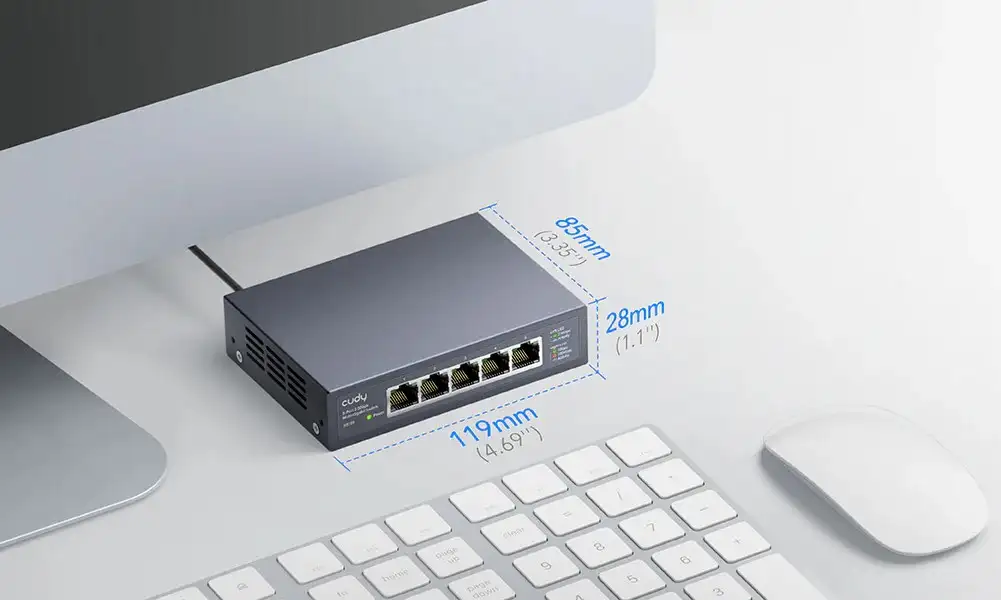
Features and Benefits of Cudy HS105 Desktop Switch
- Blazing-Fast 2.5G Ports: The Cudy HS105 features five 2.5G Ethernet ports for ultra-fast connectivity. Ideal for bandwidth-intensive activities like 4K streaming, online gaming, and large file transfers.
- Plug-and-Play Setup: No configuration needed—just connect your devices and enjoy instant high-speed networking. Perfect for users of all technical levels.
- Energy-Efficient Design: Optimized for low power consumption without compromising performance. Save on energy bills while enjoying faster network speeds.
- Compact and Durable: Its sleek and durable design fits neatly on any desktop. Built to last, ensuring reliable network performance for years to come.
Buying Guide of Cudy HS105 Desktop Switch
- Compatibility: Ensure your devices support 2.5G Ethernet for maximum speed. This switch is backward-compatible with 1G and 100Mbps devices, making it versatile.
- Network Needs: Ideal for users who need high-speed local connections, like gamers, content creators, or small offices. For more than five devices, consider a switch with more ports.
- Ease of Use: The unmanaged design means no software setup is required, making it perfect for plug-and-play operation. Great for those seeking simplicity.
- Performance Optimization: Pair it with high-quality Cat 5e or Cat 6 cables to achieve optimal speeds and performance.

Call to Action
Upgrade to faster and more reliable networking with the Cudy HS105 5 Port 2.5G Unmanaged Desktop Switch! Visit Ryans Computers today for the best prices and expert assistance. Experience ultra-fast connectivity for your home or office network.

5 Port 2.5G Unmanaged Desktop Switch
The Cudy HS105 5 Port 2.5G Unmanaged Desktop Switch offers a seamless way to upgrade your network speed. This switch ensures ultra-fast data transfer, perfect for gaming, streaming, and professional workloads. Its plug-and-play design makes it an easy addition to any home or office network. This unmanaged switch enhances connectivity without the need for complex configurations.
Features and Benefits of Cudy HS105 Desktop Switch
- Blazing-Fast 2.5G Ports: The Cudy HS105 features five 2.5G Ethernet ports for ultra-fast connectivity. Ideal for bandwidth-intensive activities like 4K streaming, online gaming, and large file transfers.
- Plug-and-Play Setup: No configuration needed—just connect your devices and enjoy instant high-speed networking. Perfect for users of all technical levels.
- Energy-Efficient Design: Optimized for low power consumption without compromising performance. Save on energy bills while enjoying faster network speeds.
- Compact and Durable: Its sleek and durable design fits neatly on any desktop. Built to last, ensuring reliable network performance for years to come.
Buying Guide of Cudy HS105 Desktop Switch
- Compatibility: Ensure your devices support 2.5G Ethernet for maximum speed. This switch is backward-compatible with 1G and 100Mbps devices, making it versatile.
- Network Needs: Ideal for users who need high-speed local connections, like gamers, content creators, or small offices. For more than five devices, consider a switch with more ports.
- Ease of Use: The unmanaged design means no software setup is required, making it perfect for plug-and-play operation. Great for those seeking simplicity.
- Performance Optimization: Pair it with high-quality Cat 5e or Cat 6 cables to achieve optimal speeds and performance.
Warranty: 1 Years
Note: Product delivery duration may vary due to product availability in stock.
Disclaimer: The actual color of the physical product may slightly vary due to the deviation of lighting sources, photography or your device display settings.

Login to ask a question
