
 Daily Bazar
  Electronics
  Sports
  Automotive
  Stationery, Books & Music
  Lifestyle
  Fashion
 _20.jpeg) Home
Home  Garden & Pet Care
  Grocery
  Daily Bazar
  Electronics
  Sports
  Automotive
  Stationery, Books & Music
  Lifestyle
  Fashion
 _20.jpeg) Home
Home  Garden & Pet Care
  Grocery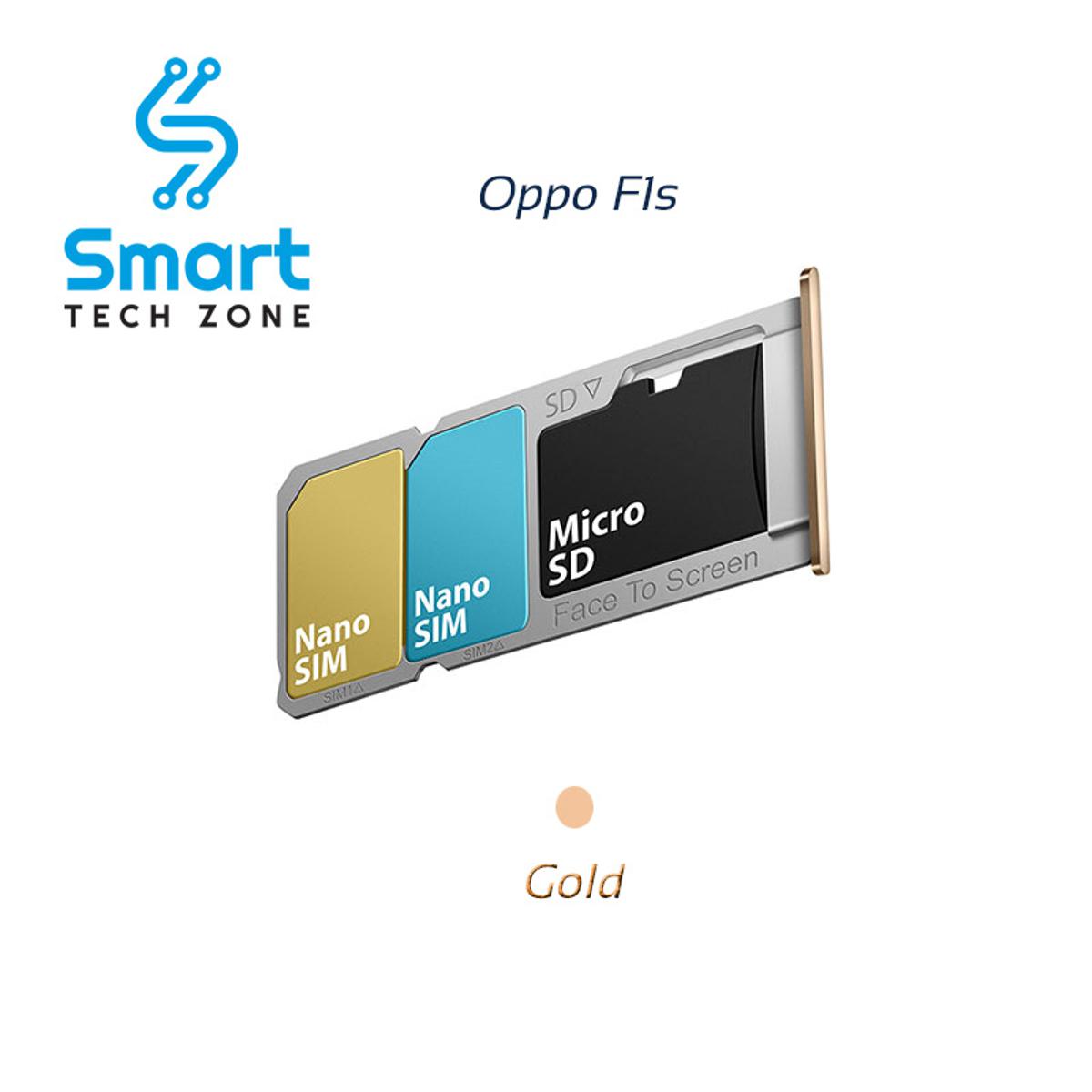
Introducing the Sim Tray SD Card Tray Holder Card compatible with Oppo F1s and Oppo A59, the perfect accessory to keep your SIM card and SD card secure and easily accessible. Designed specifically for these Oppo models, this tray holder card ensures a seamless fit and reliable functionality.
With this Sim Tray SD Card Tray Holder Card, you can conveniently insert and remove your SIM card and SD card from your Oppo F1s or Oppo A59. It provides a secure and stable holder for your cards, preventing any accidental ejections or loss.
Crafted with precision and attention to detail, this tray holder card guarantees a perfect fit for your device. It is made from high-quality materials to ensure durability and longevity, so you can confidently rely on it for your everyday usage.
The Sim Tray SD Card Tray Holder Card is a must-have accessory for managing your SIM card and SD card in your Oppo F1s or Oppo A59. Experience the convenience of organized card storage and quick access whenever needed.
Upgrade your Oppo F1s or Oppo A59 with this Sim Tray SD Card Tray Holder Card, designed to enhance the functionality and ease of use for your device. Enjoy peace of mind, knowing that your SIM card and SD card are securely stored and easily accessible whenever you need them.
Perfect Fit for Oppo F1s and Oppo A59: This Sim Tray SD Card Tray Holder Card is specifically designed to seamlessly fit and function with Oppo F1s and Oppo A59 devices, ensuring a precise and flawless fit.
Convenient Card Management: Keep your SIM card and SD card secure and easily accessible with this tray holder card, allowing for convenient insertion and removal whenever needed.
Reliable and Durable: Crafted with high-quality materials, this tray holder card offers durability and longevity, providing a secure holder for your cards and preventing accidental ejections or loss.
Seamless Integration: The tray holder card is designed to seamlessly integrate into your Oppo F1s or Oppo A59, ensuring it blends seamlessly with the overall design and functionality of your device.

Login to ask a question
