
 Daily Bazar
  Electronics
  Sports
  Automotive
  Stationery, Books & Music
  Lifestyle
  Fashion
 _20.jpeg) Home
Home  Garden & Pet Care
  Grocery
  Daily Bazar
  Electronics
  Sports
  Automotive
  Stationery, Books & Music
  Lifestyle
  Fashion
 _20.jpeg) Home
Home  Garden & Pet Care
  Grocery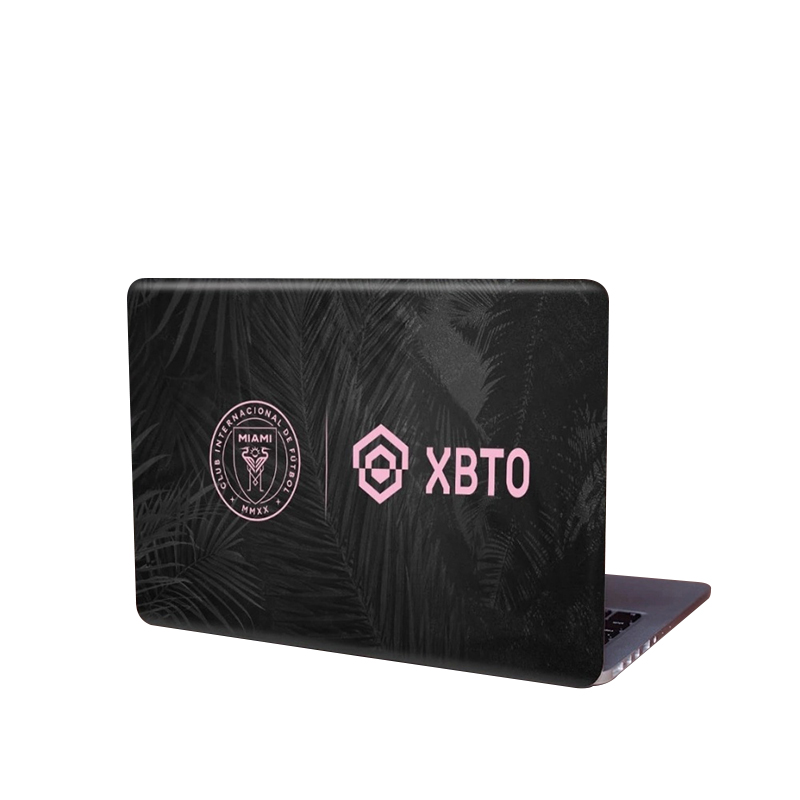
প্রথমে ল্যাপটপের উপড়ের দিক ভালো করে পরিষ্কার করে নিতে হবে।৩টি জিনিস লাগবে। টেপ, কাঁচি এবং একটি শক্ত কার্ড বা হাতের ৫ টি আজ্ঞুল ব্যবহার । স্টিকারটি ল্যাপটপের উপর ঠিকভাবে বসিয়ে এক পাশ থেকে সামান্য স্টিকার খুলে নিচের কাগজটি সুবিধামত কেটে নিতে হবে।এবার স্টিকারটি ভালোমত লাগাতে হবে।বাবল যাতে না ঢুকে সেজন্য ধিরে ধিরে কার্ডের বা হাতের সাহায্যে লাগাতে হবে। আর কোনা গুলো কেটে নেবার পর লাইটার দিয়ে একটু হিট দিয়ে দিলে আরো টেকসই হবে। আর স্টিকার আঠা কোন রকম ক্ষতি করবে না ,তাই এই নিয়ে টেনশন কিছু নাই।
Instruction:1. Clean your laptop surface thoroughly2. Take the measurement of the applying area3. Trim the exact size before applying4. Remove ONLY ONE side of the liner from vinyl sheet,align to the applying surface and start attach them SLOWLY5. Proceed carefully with the use of a clean cloth and/or a plastic card (i.e. ATM card)to assure minimal air bubbles until the liner is removed6. Completed
With a lot of different stickers, laptop stickers surround your laptop, or pick your preference and turn them up when you're ready for a fresh style. Although you should make your stickers occupy just a portion of your laptop. Snooky Digital Print Mobile Skin Sticker Built for Direct Installation on Your Computer For Fantastic Makeover Without Requiring Any Bulk. Snooky Digital Print Mobile Skin Sticker On All Devices Crafted from luxury vinyl for simple applicability of anti-bubble channels.For all laptops, the Digital Print Screen Skin Sticker is fitting. For an amazing makeover without adding any bulk to your computer, they are optimized for direct application on your desktop. For simple applicability, made of Luxury Vinyl with anti-bubble channels. The stickers are smooth to the touch, with high-resolution digital printing and residue-free removal.

Login to ask a question
