



 Electronics
  Sports
  Automotive
  Stationery, Books & Music
  Lifestyle
  Fashion
 _20.jpeg) Home
Home  Garden & Pet Care
  Grocery
  Electronics
  Sports
  Automotive
  Stationery, Books & Music
  Lifestyle
  Fashion
 _20.jpeg) Home
Home  Garden & Pet Care
  Grocery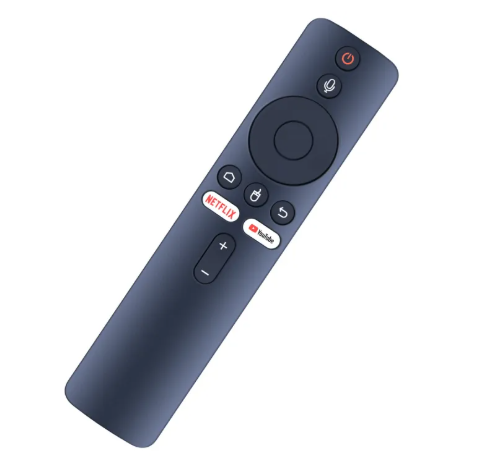
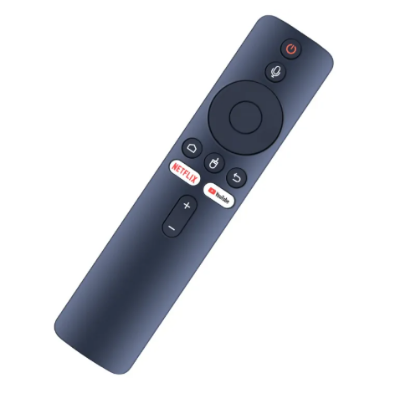
Power Button (Red): Located at the top to turn the TV or device on/off.
Microphone Button: Allows voice control via Google Assistant.
Navigation Pad: Circular D-pad for directional control (up, down, left, right) and center OK/select button.
Dedicated App Buttons:
Netflix – Quick access to the Netflix app.
YouTube – Quick access to the YouTube app.
Home Button: Takes you to the home screen of the smart TV.
Back Button: Go back to the previous screen or menu.
Menu or App Drawer Button: Opens additional options or app drawer (three-line icon).
Volume Control (+ / -): For adjusting volume up and down.
Specifications of
- Brand
No Brand
- SKU
541140905_BD-2573666207
- Universal
No
What’s in the box
remote
Ratings & Reviews of Tx 20/tx30/smart box remote control(non voice)

Customer Questions and answers :
Login to ask a question
