
 Daily Bazar
  Electronics
  Sports
  Automotive
  Stationery, Books & Music
  Lifestyle
  Fashion
 _20.jpeg) Home
Home  Garden & Pet Care
  Grocery
  Daily Bazar
  Electronics
  Sports
  Automotive
  Stationery, Books & Music
  Lifestyle
  Fashion
 _20.jpeg) Home
Home  Garden & Pet Care
  Grocery



OPERATION
Pause function :
1 If you want to dial out in extension phone,
2 press shift key (generally"0"or"9")+ PAUSE +desired number. If the number is busy, just press REDIAL to dial out the number again.
Operating at private PABXs
Your telephone is set to the conventional dual-tone multi-frequency signaling mode by default, Depending on the dialing mode used by your PABX, you may have to switch to dial pulsing (Pulse) Slider on the underside of the handset,
Redial when operating at PABX system
1 Lift the handset
2 Press PABX access number (normally 0 or 9)
3 Press the desired number
4 If the line is busy, you can press REDIAL key to redial the number.
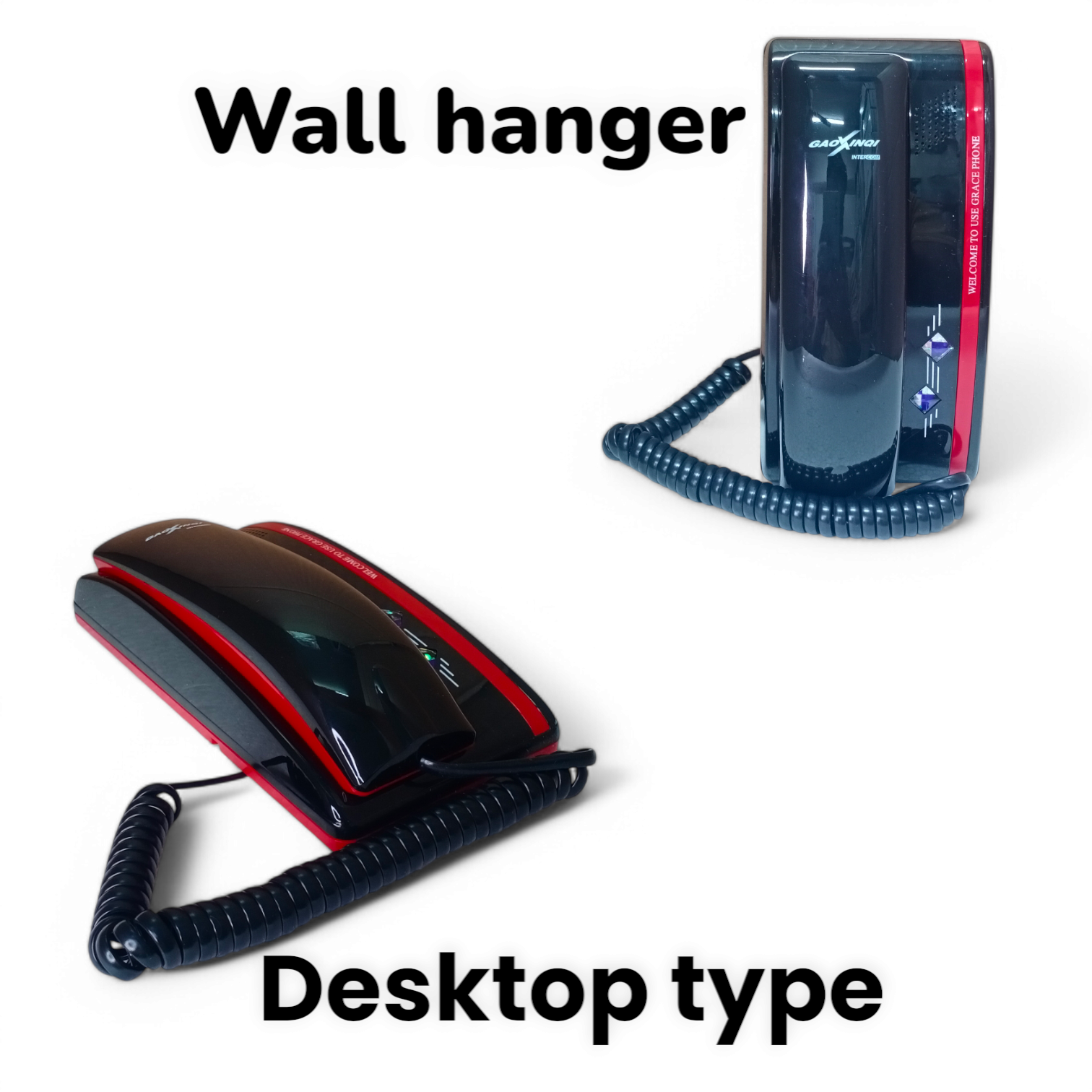
Wall mounting
You can install the telephone on the wall after the connecting cords have been attached.
1 On the underside of the telephone handset:use a screwdriver to remove the handset locking pin.
2 Insert the handset locking pin in the handset cradle Reversely.
3 Hang the telephone from Protruding screw heads
OPERATION
Preparation
Insert one end of the straight cord to the telephone and the other end to wall jack.
Connect the base and the handset with the coiled cord.
Straight line
Line jack
Set P/T switch on the unit. If you have touch-tone service on your phone line, set the switch to TONE. If you have rotary service, set the switch to PULSE
Set ringer volume and Speakerphone volume according to your personal preference.
Receiving Calls
1 As the ring indicators for coming calls with LED blinking pick up the handset to start the conversation.
2 And as the conversation is over, put back the handset to hang off.
Making Calls
1 Lift the handset,
P/T PAUSE -REDIAL
2 After you hearing the dialing tone, dial the desired number.
3 When finished, return the handset to the cradle.
: If the line is engaged, you can press the hook switch. then press 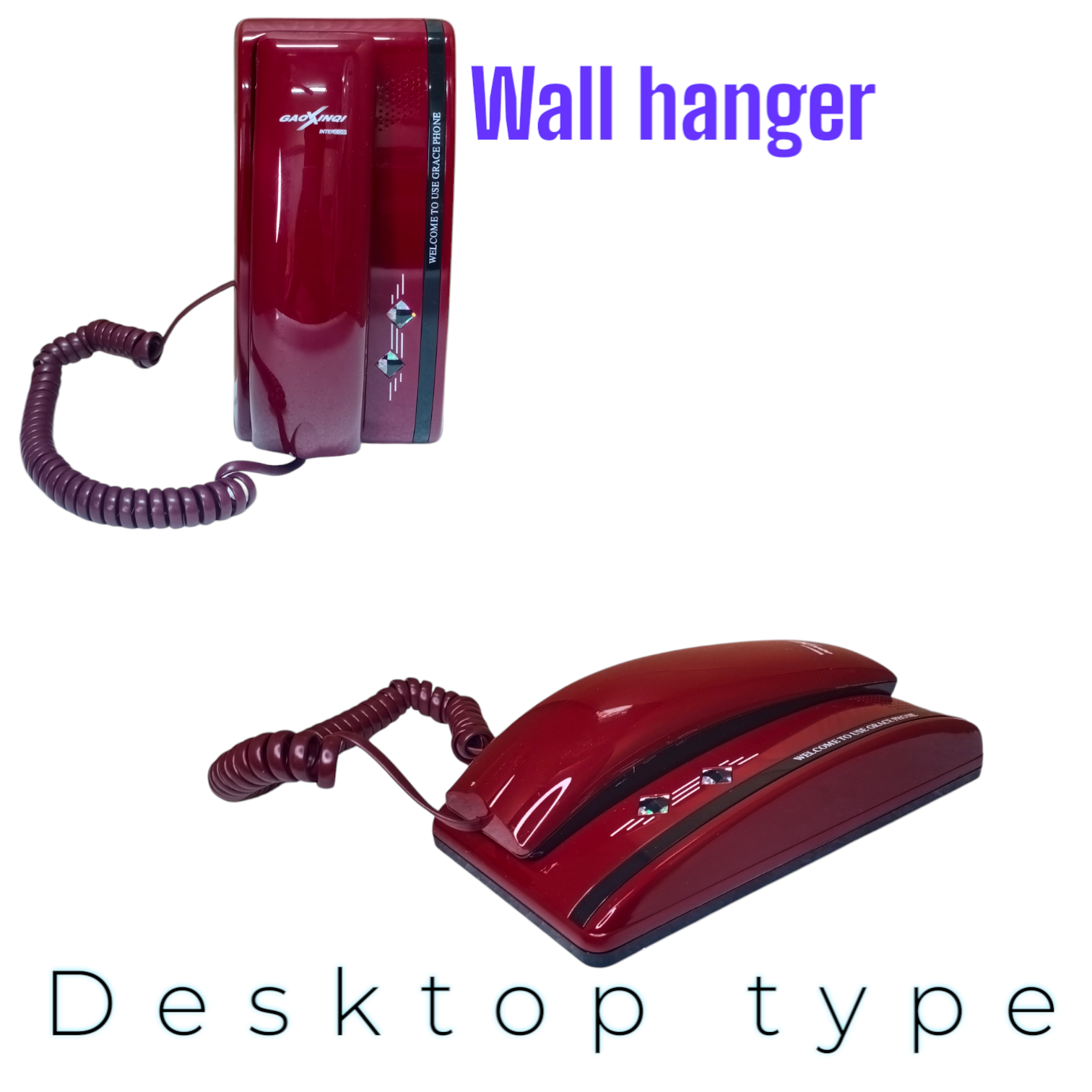






Login to ask a question
